Copyright ©2022 Ruko All Rights Reserved.
38
F11GIM User Manual
12
11
③
GPS Status
Used to display the GPS signal strength, 3 bars indicate that the GPS
signal meets the flight requirements, 1 or 2 bars indicate that the GPS
signal is weak, and the flight position needs to be changed.
④
Intelligent Flight Battery Information Bar
Display the current intelligent flight battery power and voltage, and
the power progress bar displays.
⑤
System Settings
System settings include flight range settings, data recording, English
and metric unit switching, route display, reminder information and
voice prompt settings.
⑥
SD Card
Check the SD card capacity and formatting.
⑦
Shooting Mode
Choose to take a picture or record a video.
⑧
Shutter / Record Button
Tap to start shooting photos or recording video.
⑨
Playback
Tap to enter playback and preview photos and videos as soon as they
are captured.
Recording
Tap this button to trigger the mobile phone end of the app to
start/stop recording the voice.
⑩
Flight Status Parameters
D N/A: Flying distance
H N/A: Flying height
DS N/A: Flying speed
VS N/A: Ascent/decrease speed
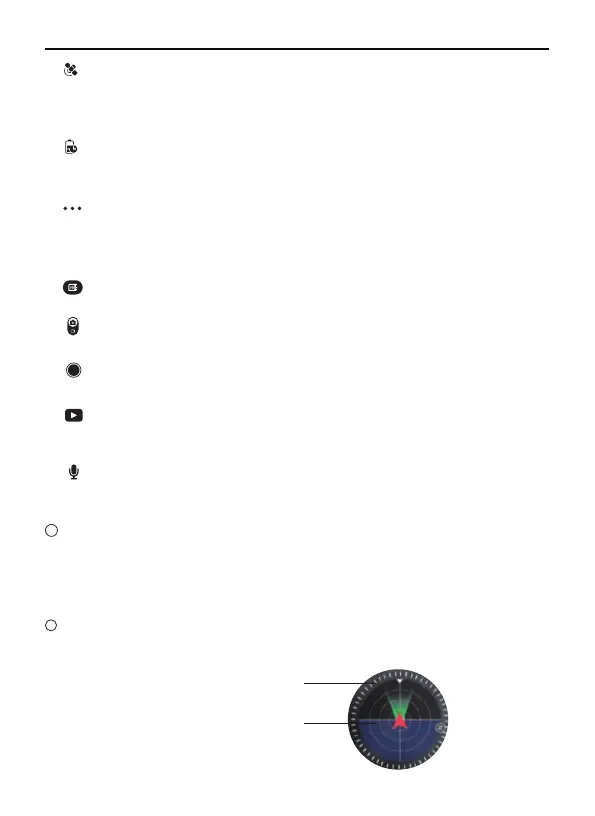
Attitude Indicator
Display information of the orientation of the Aircraft, and position of
the Transmitter .
Aircraft
orientation
Remote controller
position



 To Next Page