Copyright ©2022 Ruko All Rights Reserved.
52
F11GIM User Manual
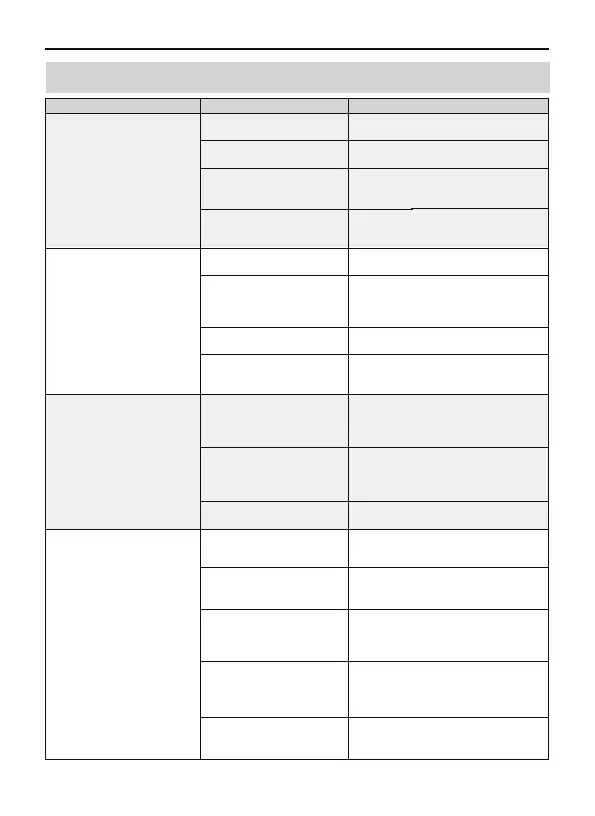
7.3 Common Problems and Solutions
The gyroscope is not
calibrated
Question Reason Solutions
The motors cannot be started
GPS signal is unstable. Flying
near buildings and in
obstructed places
The Transmitter signal is
interfered or the Aircraft
exceeds the range of remote
control
When Fly from the grass, the
gimbal touches the grass
When fly from the wooden
floor, vibration will be
transmitted through the floor
Please fly the Aircraft outdoors without
interference, and ensure that it is within a
controllable range
Please manually land the drone in time
and calibrate the compass. Please make
sure to fly away from the buildings, trees,
power lines, and signal towers
Put the drone on landing pad or cardboard
to prevent the gimbal from hitting with
other objects
Take off the drone from the place without
vibrations
Put the Aircraft on the level ground
without touching. The gimbal will star to
work after 40 seconds
Turn on the drone on the place without
vibrations
Compass interference
Out of control, spinning
around on its own, abnormal
sound
The Gimbal is not working
Replace the propellers with new ones
The propellers become
deformed and incomplete
The gimbal is interfered by
external forces or the drone is
picked up during
self-inspection
When turning on the drone on
the desk, the desk will amplify
the subtle vibrations into
high-frequency vibrations
The compass is in calibrating
Put the Aircraft on level ground after
compass calibration. The gimbal will start
to work after 20 seconds
Please fly the Aircraft in an open area
free of obstacles within the circle of
radius 32.81 ft(10 meters)
Turn on the Aircraft in an open area
with strong GPS signal
The Aircraft has low battery. Please
charge the battery in time
The compass is not calibrated. Please
refer to the "Calibration Before Flight"
section of the User Manual
Push the left and right joysticks
simultaneously to 5 o'clock and 7 o'clock
for 2 seconds
Weak GPS signal
The red light stays on
The pink light stays on
The left and right
joystick are not in place
Please fly the Aircraft above 9.84ft(3
meters)
Place the Aircraft on a horizontal surface
and conduct gyroscope/horizontal
calibration. Please refer to the "Calibration
Before Flight" section of the User Manual
Unstable flight
Flying too low, affected
by Aircraft airflow
The propellers become
deformed and incomplete
Replace the propellers with new ones



 To Next Page