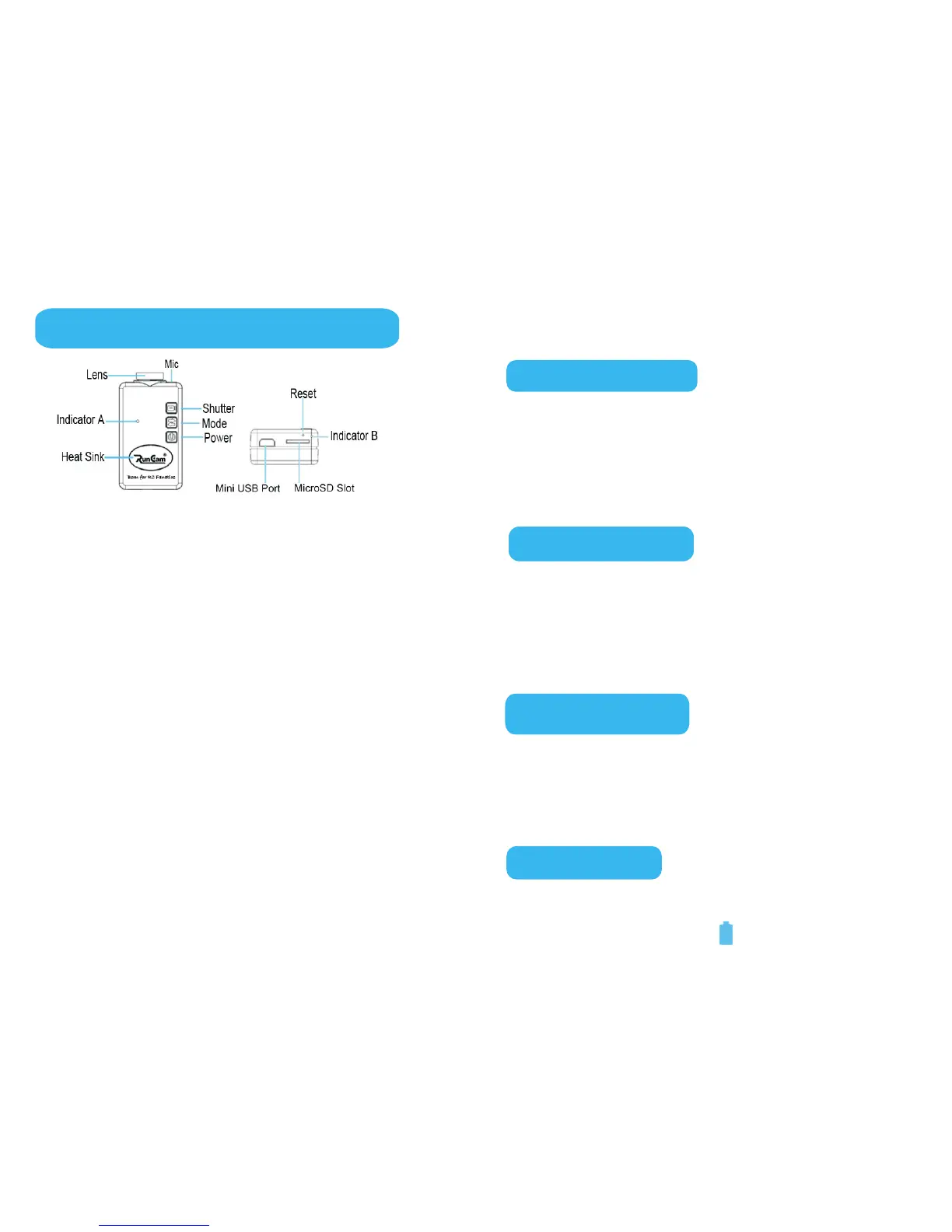
1. Function Buttons
●
●
Press the Power Button to turn the camera ON
or OFF.
In Playback Mode, pressing the power button
can allow the user to choose the different video
file.
Shutter Button:
●
●
Press the Shutter Button to start or stop
recording video, or take a snapshot.
In Playback Mode, press the Shutter Button to
play or stop the playback.
1
Mode Button:
●
●
Press the Mode Button to switch the working
mode of the camera.
Press the Mode Button to format the TF card
Reset Button:
● Press Reset Button to reset the camera.
Power Button:
Power Button ...................................................... 1
ShutterButton.......................................................1
Mode Button ........................................................ 1
Reset Button ........................................................ 1
Indicator A ........................................................... 2
Indicator B ........................................................... 2
Mini USB Port....................................................... 2
Battery Charging .................................................. 3
To turn the camera on ........................................... 4
Video Mode and Switching Operations ...................4
Video Recording and Snapshot Operation
and Indictor A Status Instruction
AV Output ............................................................ 6
Playback .............................................................. 6
Power-Saving Mode ..............................................7
Format the Memory Card ...................................... 7
Reset ................................................................... 8
Shutdown ............................................................ 8
Connect the Camera to PC ..................................... 8
Contens
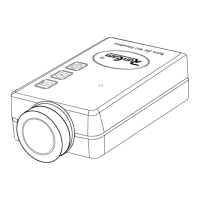
Sketch of buttons and features
..........................5-6


 To Next Page