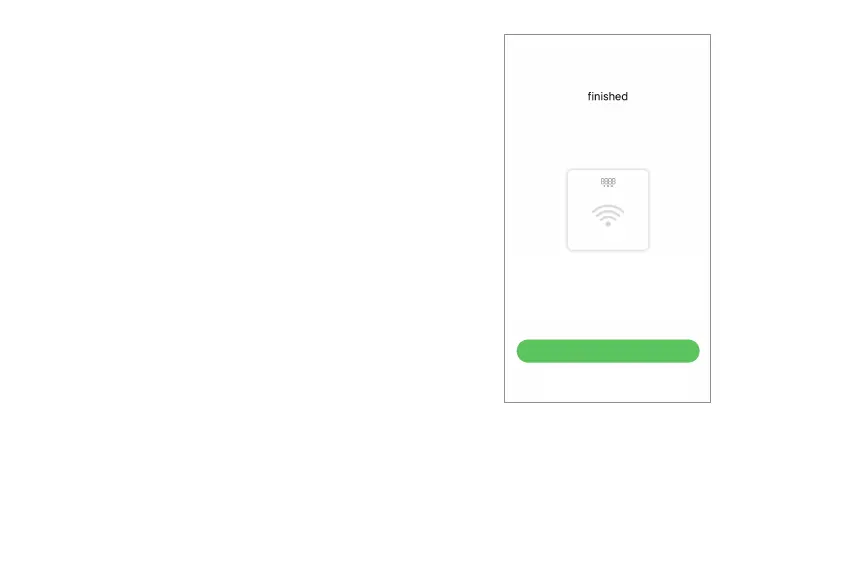
Select Wi-Fi
Wi-Fi Configurations
Skip Wi-Fi Configurations
Tap the “Wi-Fi Connections” button to configure
your Wi-Fi connections. With the Wi-Fi your scale
measurement data will be uploaded without your
app running. You will be able to use the scale
hands-free.
1. To configure your scale’s Wi-Fi connections
and to establish your Profile to your scale and
the server, first we need to use the Bluetooth
connections. Please follow Setup App with
Bluetooth Connections, Steps 1 to 10 (pages 10
– 16).
2. With the above steps, you made an initial
measurement using the Bluetooth connection.
Now on the “Select Wi-Fi” screen, tap the
“Wi-Fi Configurations” button.


 To Next Page