Revision 4 - December 17,1998 Ryan TCAD 9900 Series Page 2-8
C. The Processor Mounting Tray can be installed horizontally or
vertically using the mounting holes provided. For horizontal mounting,
the mounting holes have 5.76” x 5.82” spacing; for vertical mounting,
the mounting holes have 1.69” x 5.82” spacing (see Figure 2-6). Use
four 10-32 pan head screws for mounting. For vertical mount, use the
doubler plate provided.
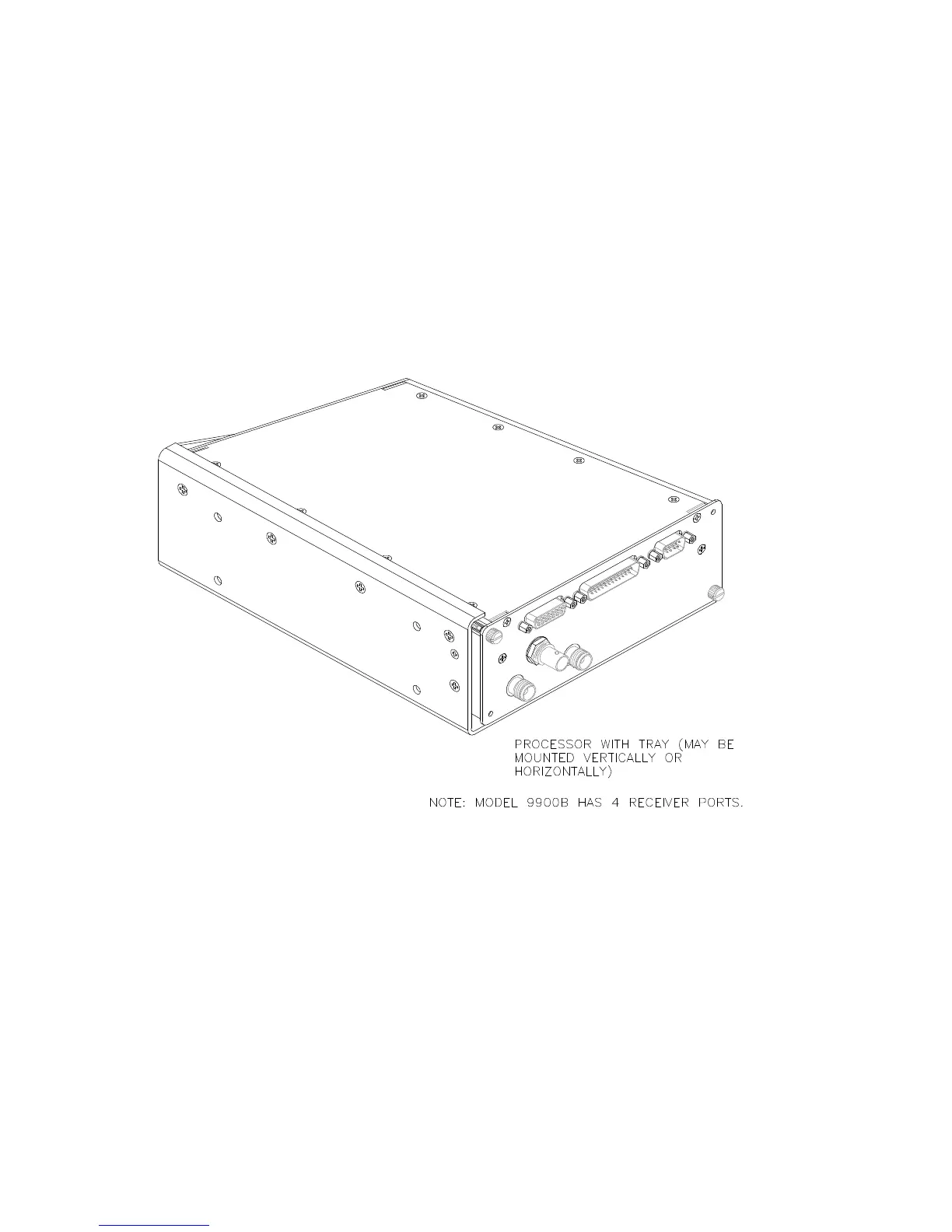
D. The Processor is mounted in the tray by sliding the unit along the rails
until the rear of the Processor contacts the tray. Then tighten the TWO
diagonal retaining screws securely. See Figure 2-7 below.
Figure 2-7 Processor with Mounting Tray


 To Next Page