EasyManua.ls Logo

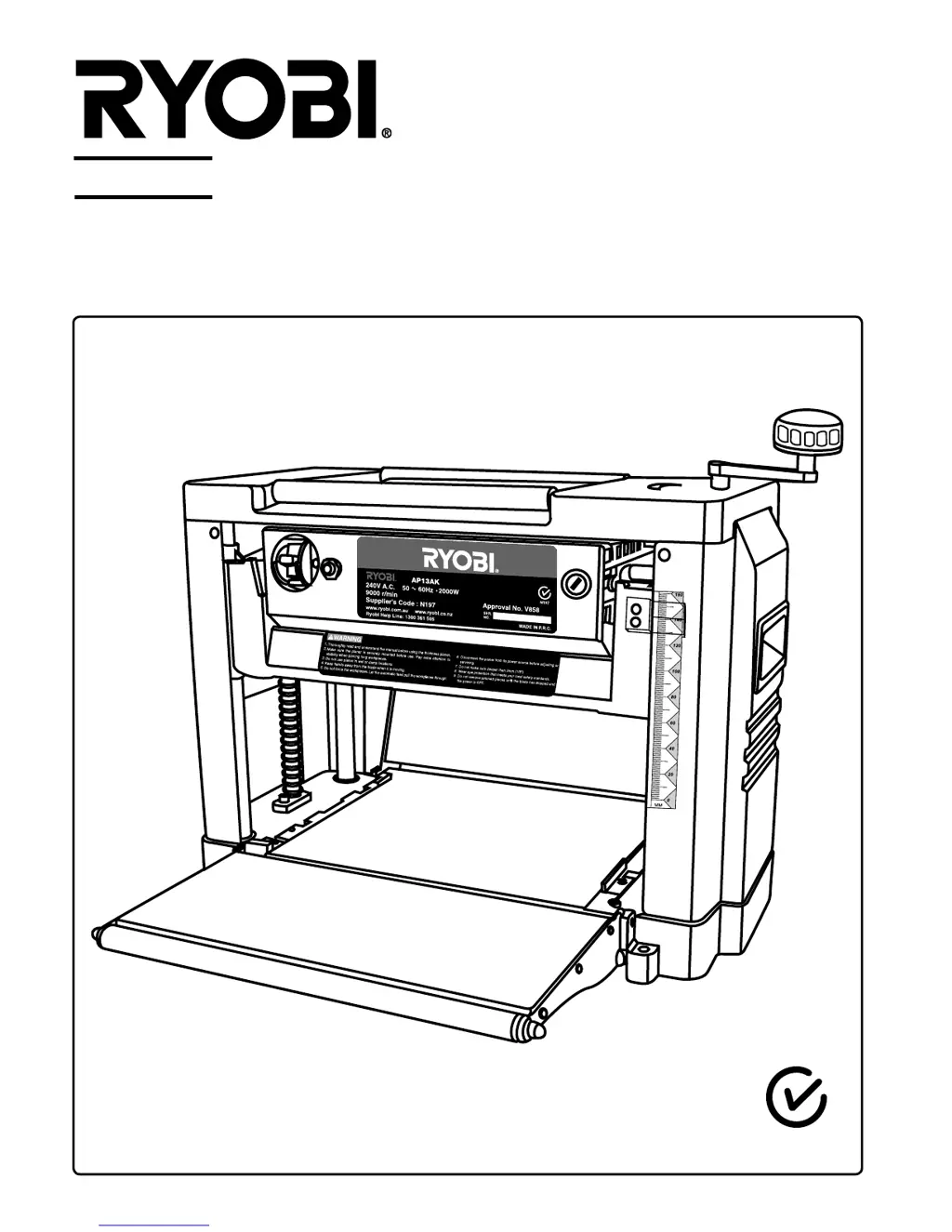
Ryobi AP13AK - User Manual

Ryobi AP13AK
14 pages
Print Icon
To Next Page IconTo Next Page
Loading...
N197
AP13AK
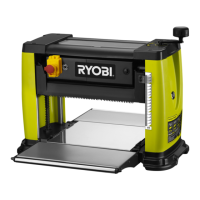
PLANER THICKNESSER WITH ANTI KICKBACK
OWNER’S OPERATION MANUAL

Questions and Answers

  • K
    Kimberly RiosJul 28, 2025
    Why Ryobi AP13AK Planer chain jumping, machine won't start or restarts, and repeatedly trips the circuit?
    • N
      Nicholas OwensJul 29, 2025
      Several factors can cause these issues. It may be due to misaligned or worn sprockets, which require alignment or replacement. Other potential causes include power source problems (not plugged in, faulty circuit breaker/fuse), motor failure, loose wiring, an overload reset that hasn't been reset (allow machine to cool down before restarting), or motor starter failure, all of which should be checked by an authorized Ryobi service agent. Using an extension cord that is too long or thin, dull blades (sharpen or replace blades), or low voltage can also contribute to these problems; use a shorter or thicker extension cord and check the voltage.
  • T
    tiffanydelgadoAug 1, 2025
    Why is my Ryobi Planer producing rough or raised grain?
    • N
      Natasha ReidAug 2, 2025
      Rough or raised grain can result from several issues. Dull blades are a common cause, so try sharpening them. Taking too heavy a cut can also lead to this problem; review the proper depth of cut. Additionally, wood with a high moisture content can contribute to this issue, so ensure the wood is dry. Finally, damaged cutterhead bearings can be responsible, in which case you should replace the bearings.
  • T
    Tina SmithAug 6, 2025
    What to do if Ryobi Planer has torn grain?
    • C
      Colton ContrerasAug 6, 2025
      Torn grain can occur for several reasons. First, check if you are taking too heavy a cut and review the proper depth of cut. Second, ensure that the blades are cutting with the grain; if not, feed the wood with the grain or turn the workpiece around. Lastly, dull blades can cause this issue, so sharpen them.
  • A
    Andrea FloresAug 10, 2025
    How to fix poor feeding of timber in Ryobi AP13AK Planer?
    • J
      James KempAug 10, 2025
      Poor feeding of timber can be caused by a few things. First, the planer table might be dirty, so clean off any pitch and residue, and lubricate the table. Second, the feed roller could be damaged and require replacement. Third, the sprocket might be damaged and also need replacement. Finally, there could be a gear box malfunction, which requires checking the gear box.
  • D
    David MasseyAug 15, 2025
    Why Ryobi Planer producing fuzzy grain?
    • T
      Taylor FreemanAug 15, 2025
      Fuzzy grain is typically caused by planing wood with high moisture content, so ensure the wood is dry. It can also be caused by dull blades, so sharpen them.
  • A
    Amber RobinsonAug 19, 2025
    What to do if workpiece jammed in Ryobi AP13AK Planer?
    • S
      Sara SimsSep 12, 2025
      A jammed workpiece is typically caused by an inadequate blade setting height. To resolve this, set the blade to the correct height.
  • E
    Elizabeth WillisAug 23, 2025
    Why is the depth of cut uneven on my Ryobi AP13AK?
    • S
      sanchezcrystalAug 23, 2025
      Uneven depth of cut, where the side-to-side board thickness doesn't match the depth of cut scale, can be due to a few reasons. The blade projection might not be uniform, so adjust the blade projection. Alternatively, the cutterhead might not be leveled to the planer bed, requiring you to level the cutterhead to the table. Finally, the depth of cut scale could be incorrect, in which case you should adjust the depth of cut scale.

Summary

Product Specifications

Rules for Safe Operation

Double Insulation

Explains the concept of double insulation for electrical safety in power tools.

Anti-Kickback Pawls

Describes the device designed to stop workpiece kickback during planer operation.

Avoiding Kickback

Provides guidelines and precautions to prevent dangerous kickback during planing.

Loose Parts List

Operation

Moving the Planer

Instructions on how to safely move the planer, including table extension usage.

Mounting the Planer onto the Wood Base

Guidance on securely mounting the planer onto a timber base for stability.

Stock Rollers

Explains the function of stock rollers for handling materials during planing.

On;Off Switch and Locking Key

Details the operation of the power switch and the use of the locking key for safety.

Circuit Overload Switch

Explains the function of the overload switch and how to reset the machine.

Adjustment

Adjust Depth of Cut

Instructions on how to set and adjust the depth of cut using the hand crank and scale.

Adjusting the Depth of Cut Scale

Procedure to calibrate and ensure accuracy of the depth of cut scale.

Removing the Planer Blades

Step-by-step guide for safely removing the planer blades.

Installing the Planer Blades

Instructions for correctly fitting and securing the planer blades.

Setting the Blade Height

Guide on using the blade setting gauge to achieve the correct blade projection.

Making the Cutterhead and Worktable Parallel

Procedure to align the cutterhead and worktable for accurate planing.

Installing the Dust Chute

Steps for attaching the dust chute for dust collection.

Maintenance

Lubrication

Recommendations for lubricating chains and bearings for optimal performance.

Periodic Maintenance

Guidelines for regular cleaning and upkeep of the machine's components.

Troubleshooting

Ryobi AP13AK Specifications

General IconGeneral
TypePlaner
Power SourceElectric
Maximum Cutting Depth1/8 inch
Feed Rate26 feet per minute
Cord Length6 feet

Related product manuals