TROUBLESHOOTING
PROBLEM POSSIBLE CAUSE SOLUTION
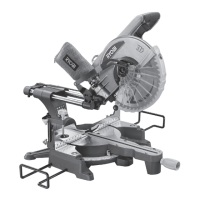
Mitre saw will not start. No power to the saw. Check that the power cord is connected to a live
power source.
Wood burns at ends of cut. Dirty blade.
Worn blade.
Workpiece is binding.
Clean blade.
Replace worn blade.
Check position of the workpiece on table. Material
must be at, ush against fence and supported at
both ends.
Workpiece frays or chips out Finished side is down.
Dull or chipped blade.
Blade unsuitable for material.
Workpiece is not supported.
Keep nished side of workpiece up or facing
operator.
Check for damaged blade teeth. Replace damaged
blade.
Check blade’s information for material that can be
cut.
Support the edges of the workpiece during cut.
Blade binds, slowing or stopping saw. Workpiece is misaligned on the table or
ends are not supported
Workpiece must be at on the table, ush against
the fence and supported at both ends.
Blade does not cut through workpiece. Depth stop setting in use. Push depth stop in to disengage.
Saw is not cutting straight. Bevel lock knob / lock pin is loose. Tighten bevel lock knob / lock pin.
45° bevel is not accurate Bevel angle not calibrated. Follow the instructions in this manual to calibrate
45° bevel.
Laser is not aligned with the blade
cutline.
Laser head is misaligned Follow the instructions in this manual to adjust the
laser alignment.


 To Next Page