20
Simulator Modes
The CTX MDB Tester PRO offers you two simulation modes: VMC
Simulator and MDB Peripheral Simulator. The VMC Simulator will
transform your tester into a vending machine offering you three pro-
grammable selections. You can change the price of those selection as
you have seen it on page 6 of this manual. When used as a VMC, the
tester allows you to connect up to three MDB devices which are: The
coin changer, the bill acceptor, and some card reader.
The other simulator is the Peripheral Simulator. This is a very unique
feature allowing you to transform your tester into either a coin changer/
bill acceptor, and a cashless device. With the simulator, you can trans-
fer money to the machine, make a sales, and watch as change is given
back (virtually) by the machine.
Testing MDB devices in simulation mode.
The simulator function enables you to test multiple MDB components
together in real life situation and see how they interact together. For
example, you can test a coin changer and a bill acceptor together and
see if the change given out is accurate.
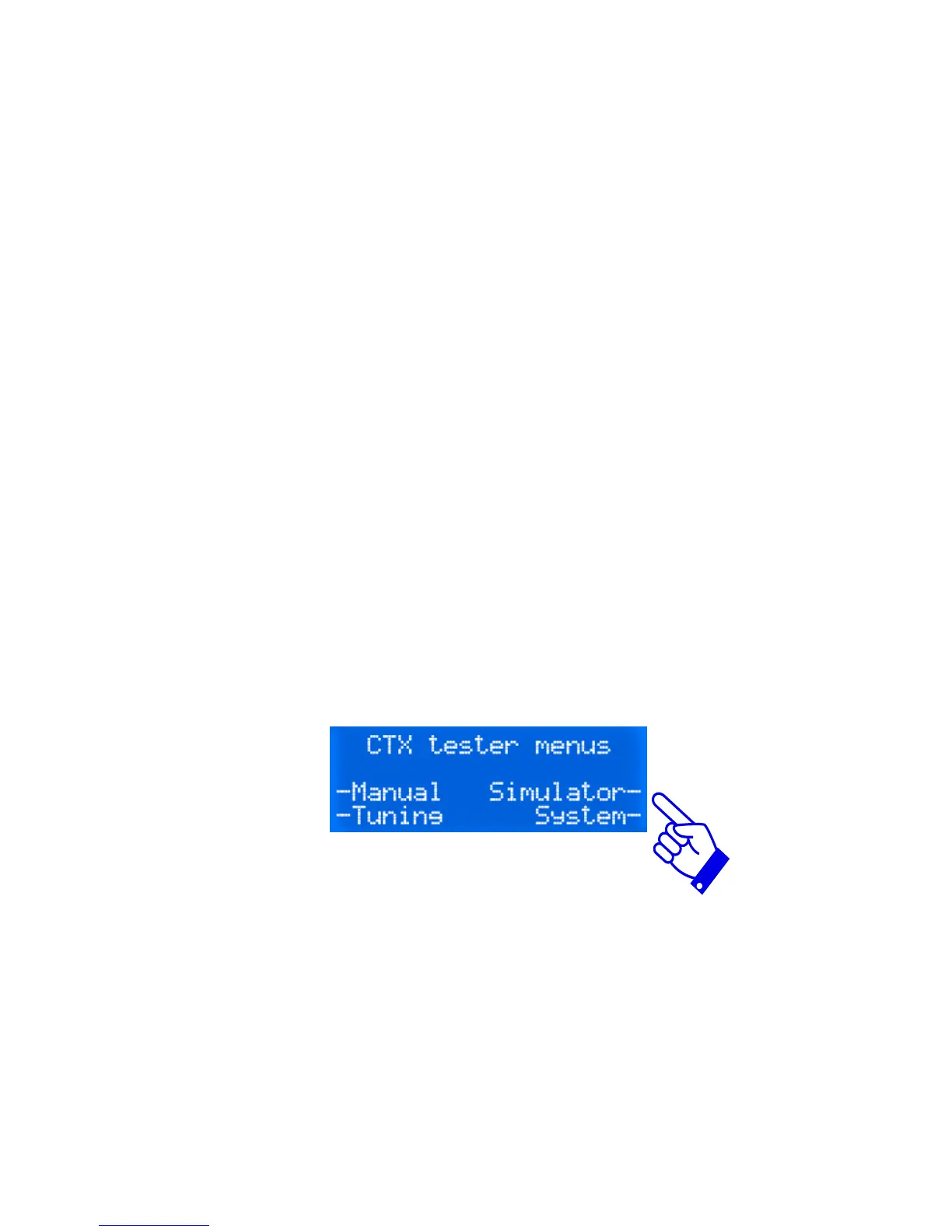
To start, press on Simulator. The display will then offer you two types
of simulator: VMC simulator of Peripheral simulator. Select VMC
simulator. When operating in VMC simulation, the CTX tester will
power up any MDB device that is connected to its port. The display will
then prompt you any device it communicates with prompting to insert
coins and/or bills and/or card.


 To Next Page