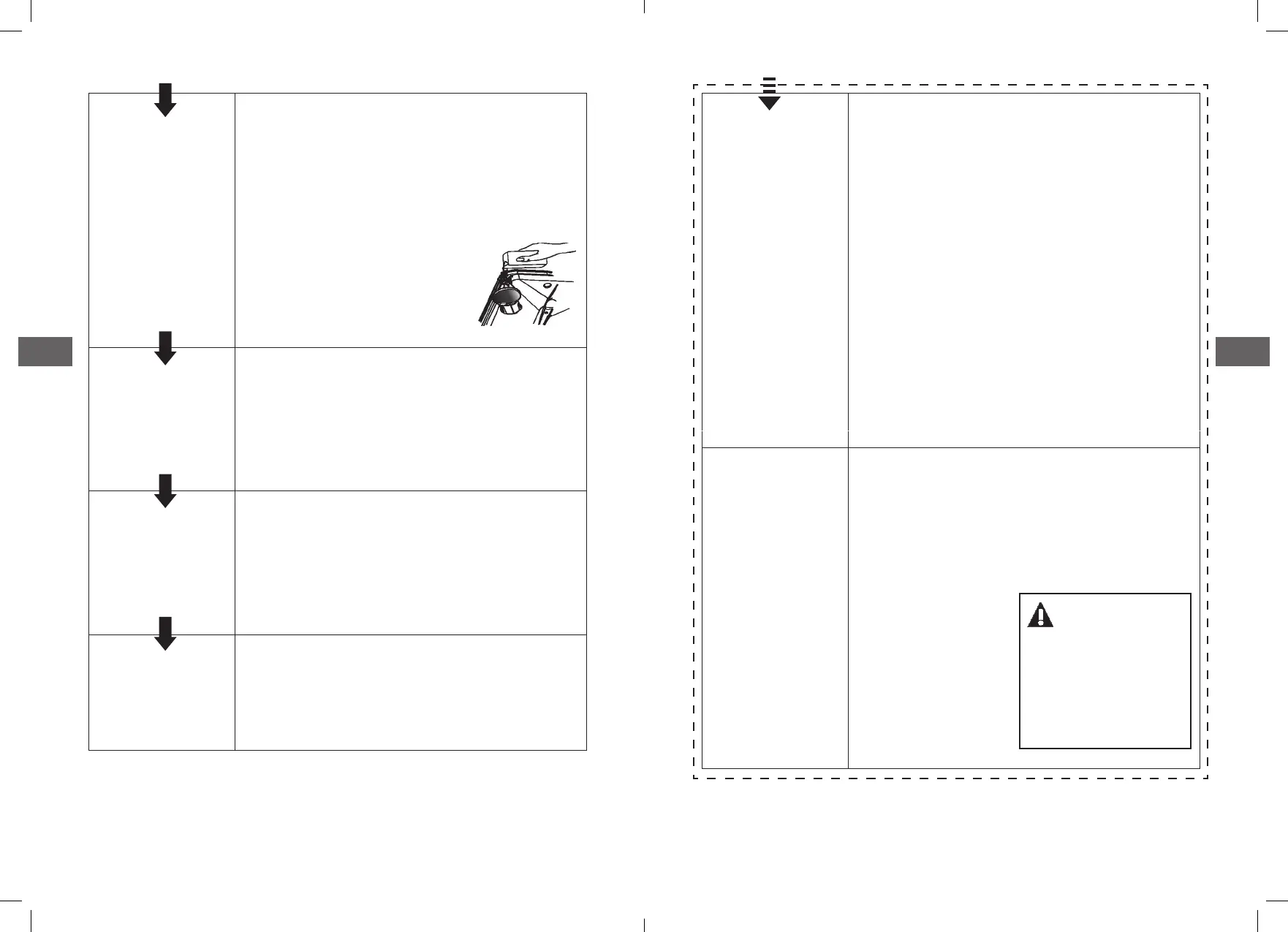
Check the
regeneration salt
level
(On models with water softener system only�)
Electric indicator on control panel
(ifprovided)�
If there is no salt warning light in the control
panel (for some models), you
can estimate when to ll the
salt into the softener by cycles
the dishwasher has run�
Load the baskets
Scrape o any large amount of leftover food�
Soften remnants of burnt food in pans then
load the baskets� Refer to the dishwasher
loading instructions�
Select a
programme
Close the door, press the Programme button
until the selected programme lightsup�
(Seethe section entitled “Operationg
instruction” )
Running the
dishwasher
Turn on the water tap and press the Start/
reset button� The machine will start working
after about 10 seconds�
Changing the
programme
1� A running cycle can only be modied
if it has been running for a short time�
Otherwise the detergent may have
already been released and the water
already drained� If this is the case, the
detergent dispenser must be relled�
2�
3� Select a new programme�
4� Restart the dishwasher�
Add forgotten
dishes in the
dishwasher�
1� Open the door a little to stop the
dishwasher�
2� After the spray arms stop working, you
can open the door completely�
3� Add the forgotten dishes�
4� Close the
door, the
dishwasher will
start running
again after
10seconds�
WARNING !
Open the door
carefully� Hot steam
may escape when
the door is opened!
6968
Press the Start/Pause button, then
press the program button more than
3 seconds, the machine will be in
standby state.



 To Next Page