17
English
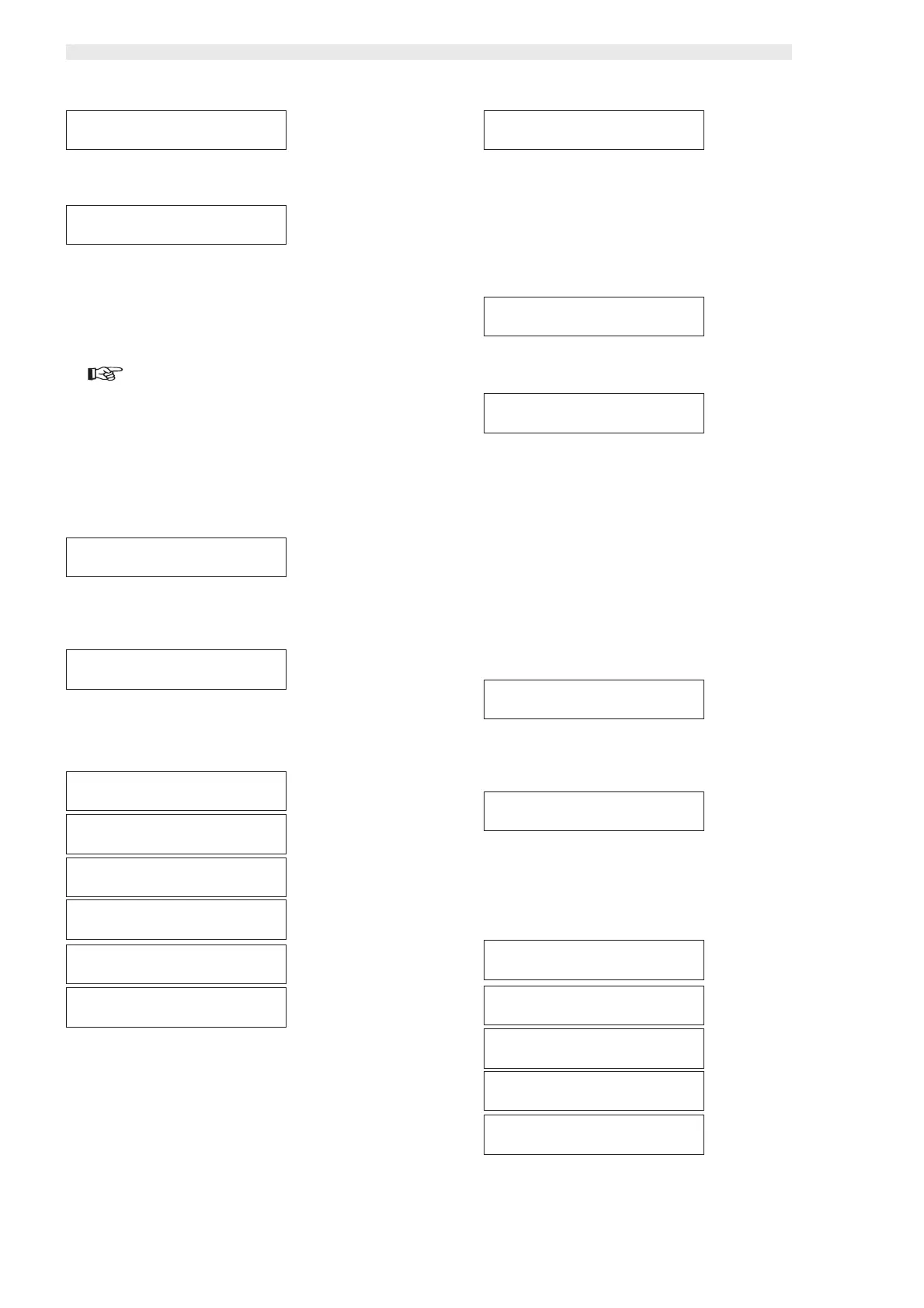
This function allows or not the use of residual credits to purchase
other drinks.
The lower line of the display shows the set parameter.
By enabling the function (YES) it’s possible to use possible residual
credits. On the contrary (NO), once the “OVER PAY”, time is
elapsed, the vending machine confiscates the residual credit.
Press “ENTER” to access this option.
To set this option follow the procedure described in chapter “7.5
Changing and saving parameters”.
This function determines the maximum time (expressed in seconds)
after which the vending machine confiscates the residual credit
visualized on the display.
To change the value follow the procedure described in chapter
“7.5 Changing and saving parameters”.
By setting the value to “000000” the function is disabled.
By pressing “ENTER” the display automatically moves to the func-
tion access level.
Third main voice of
the programming menu
Press “ENTER” to access this item’s functions.
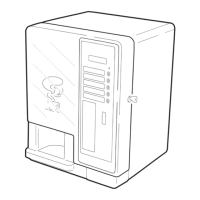
This function allows to display the dispensable drinks in sequence,
model D.A. 5P dispensing keys A - B - C - D (ref. 3, fig. 17),
model D.A. 3P dispensing keys A - B - C (ref. 3, fig. 17).
Press “ENTER” to access the display of the items composing the
single drinks.
(only D.A. 5P)
This level displays the dispensing sequence, quantities and speeds
of the products composing each single drink.
Press the “UP” and “DOWN” keys to scroll the drink composition.
Menu item that appears before changing the password.
Press “ENTER” to set the new password.
A flashing cursor appears under the first digit after “CODE:…”.
To set the password follow the procedure described in chapter
“7.5 Changing and saving parameters”.
By pressing “ENTER” the machine moves automatically to the pre-
vious level “NEW PASSWORD”.
Warning
Write down the new password because in case of loss access
to programming will be impossible.
Second main item
of the programming menu
Press “ENTER” to access the item functions.
This function allows the association of a value to all the selectable
coins.
Press “ENTER” to display the coin list.
Press “ENTER” to display the value of the first coin.
Press the “UP” and “DOWN” key to scroll the list of coins.
To modify the coin value follow the procedure described in chap-
ter “7.5 Changing and saving parameters”.
The coin value falls within a nation key - pre-set range.
Pressing “ENTER” automatically moves the display to the previous
level “COIN VALUES”.
MULTIVENDMULTIVEND
MULTIVENDMULTIVEND
MULTIVEND
->Y<- N->Y<- N
->Y<- N->Y<- N
->Y<- N
MULTIVENDMULTIVEND
MULTIVENDMULTIVEND
MULTIVEND
YESYES
YESYES
YES
COIN VALUESCOIN VALUES
COIN VALUESCOIN VALUES
COIN VALUES
COIN 01:00050COIN 01:00050
COIN 01:00050COIN 01:00050
COIN 01:00050
COIN VALUESCOIN VALUES
COIN VALUESCOIN VALUES
COIN VALUES
COIN 02:00050COIN 02:00050
COIN 02:00050COIN 02:00050
COIN 02:00050
COIN VALUESCOIN VALUES
COIN VALUESCOIN VALUES
COIN VALUES
COIN 03:00050COIN 03:00050
COIN 03:00050COIN 03:00050
COIN 03:00050
COIN VALUESCOIN VALUES
COIN VALUESCOIN VALUES
COIN VALUES
COIN 04:00050COIN 04:00050
COIN 04:00050COIN 04:00050
COIN 04:00050
COIN VALUESCOIN VALUES
COIN VALUESCOIN VALUES
COIN VALUES
COIN 05:00050COIN 05:00050
COIN 05:00050COIN 05:00050
COIN 05:00050
COIN VALUESCOIN VALUES
COIN VALUESCOIN VALUES
COIN VALUES
COIN 06:00050COIN 06:00050
COIN 06:00050COIN 06:00050
COIN 06:00050
OVER PAYOVER PAY
OVER PAYOVER PAY
OVER PAY
180180
180180
180
NEW PASSWORDNEW PASSWORD
NEW PASSWORDNEW PASSWORD
NEW PASSWORD
CODE: 0000CODE: 0000
CODE: 0000CODE: 0000
CODE: 0000
NEW PASSWORDNEW PASSWORD
NEW PASSWORDNEW PASSWORD
NEW PASSWORD
PAYMENTPAYMENT
PAYMENTPAYMENT
PAYMENT
SYSTEMSYSTEM
SYSTEMSYSTEM
SYSTEM
COIN VALUESCOIN VALUES
COIN VALUESCOIN VALUES
COIN VALUES
PREPARINGPREPARING
PREPARINGPREPARING
PREPARING
BEVERAGEBEVERAGE
BEVERAGEBEVERAGE
BEVERAGE
BEVERAGE ABEVERAGE A
BEVERAGE ABEVERAGE A
BEVERAGE A
BEVERAGE ABEVERAGE A
BEVERAGE ABEVERAGE A
BEVERAGE A
SOLUBLE 1: 012SOLUBLE 1: 012
SOLUBLE 1: 012SOLUBLE 1: 012
SOLUBLE 1: 012
BEVERAGE ABEVERAGE A
BEVERAGE ABEVERAGE A
BEVERAGE A
%SOLUB. 1: 160%SOLUB. 1: 160
%SOLUB. 1: 160%SOLUB. 1: 160
%SOLUB. 1: 160
BEVERAGE ABEVERAGE A
BEVERAGE ABEVERAGE A
BEVERAGE A
SEQUENCE: 1000SEQUENCE: 1000
SEQUENCE: 1000SEQUENCE: 1000
SEQUENCE: 1000
BEVERAGE ABEVERAGE A
BEVERAGE ABEVERAGE A
BEVERAGE A
WATER 1: 030WATER 1: 030
WATER 1: 030WATER 1: 030
WATER 1: 030
BEVERAGE ABEVERAGE A
BEVERAGE ABEVERAGE A
BEVERAGE A
COFFEE: 050COFFEE: 050
COFFEE: 050COFFEE: 050
COFFEE: 050







 To Next Page