English
56
9
Liquidsandcoffeegrounds
mustbedisposedof
separately, as appropriate.
99
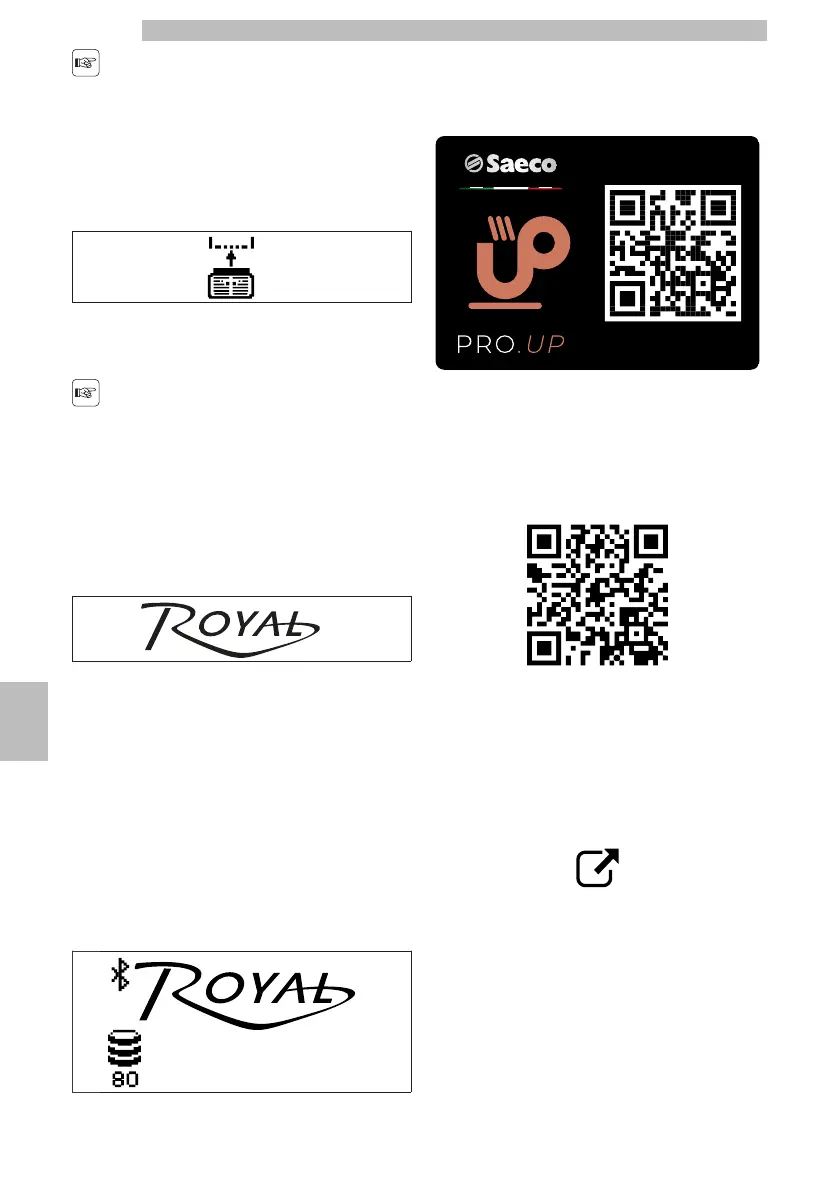
Only when the display shows:
99999
Youcaninsertthecoffeegroundsdrawerandthedrip
tray in the machine.
99
Ifthedriptrayisinserted
withoutthecoffee
groundsdrawer,the
machinewillnotdispense
products.
99
After inserting them, the display shows:
99999
The machine is now ready to brew coffee.
99
9.11BLUETOOTH
9
(*if
present
on
the
machine)
99
ThemachineissetuptouseaproprietaryBluetooth
module(hereinafterBT).Ifpresent,itmustbeenabled
throughtheTechnicalMenu,BLUETOOTHitem.
Refertothe"DescriptionTechnicalMenuMessages"
ofthe"ProgrammingMenu"chaptertodisplaythe
description of the commands available.
999999
The BT makes it possible:
9
•
Tomakeselectionsremotelythroughthe"SaecoPro
Up"app,alsowithoutregistration.Theappcanbe
downloaded by framing the following QR code.
9999
•
Setthemachinetooperatecreditsthroughthe
"SaecoProUp"portal.Thededicatedmanualis
availableontheeCommerceEVOCAsite.Following
isthelinktotheeCommerceEVOCAsite.
https://ecommerce.evocagroup.com/Thesitecanbe
accessed also by framing the following QR code.
9999
-
Perform the authentication procedure.
9
-
Select the Saeco brand.
9
-
Select "Search".
9
-
Select "Documents".
9
-
Select "Manuals kit" in the "Document type" box.
9
-
Enter "New Royal" in the "Model Description" box.
9
-
Press the "Search" key.
9
-
Click on the following icon:
9999
-
Select the dedicated manual.
99
•
Orderand/orloadthemachinecreditsfromthe
"SaecoProUp"app,ifloggedwithregisteredand
enabled user.
9
•
Maketheadjustmentofthetechnicalsettingdirectly
from"SaecoProUp"appifloggedwithregistered
and enabled user.
99







 To Next Page