English
72
1010
Aftercompletingthedescalingcycle,emptythe
containersusedtocollecttheliquidsduringdescaling.
Thedescalingsolutionmustbedisposedofas
providedonthecontainerand/ortheregulationsin
forceinthecountryofuse.Emptythedriptrayand
place it back.
1010
Ifyouwishtocarryoutadescalingcyclewiththe
machinealreadyon,youneedtoaccessprogramming
as indicated in section "Accessing the tech. menu".
1010
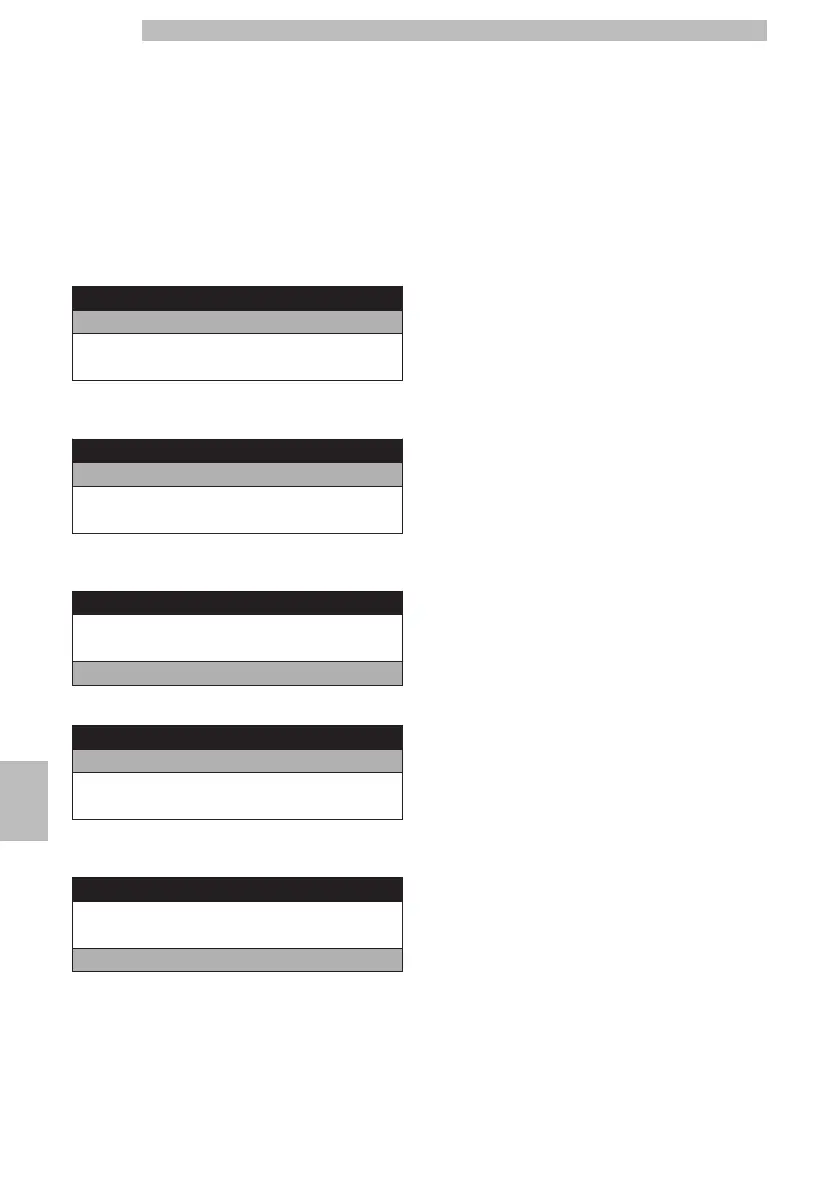
Tech Menu
Settings
Statistics
Exit
101010
Selectthe"SETTINGS"optionandpressthe"OK"
button.
1010
Settings
Credits Menu
BEVERAGE SETTINGS
Machine Menu
101010
Toselectthe"MACHINEMENU"option,pressthe
"DOWN" button.
1010
Settings
Credits Menu
BEVERAGE SETTINGS
Machine Menu
101010
Press the "OK" button to enter.
1010
Machine Menu
General Menu
Display Menu
Water Menu
101010
Pressthe"DOWN"buttonuntilthe"DESCALING"
option is selected.
1010
Machine Menu
Display Menu
Water Menu
Descaling
101010
Press the "OK" button to enter.
1010
Atthispoint,allthealreadydescribedscreensofthe
descaling cycle will follow.
1010







 To Next Page