Now PR9 enters the updating mode and waits for data. In the
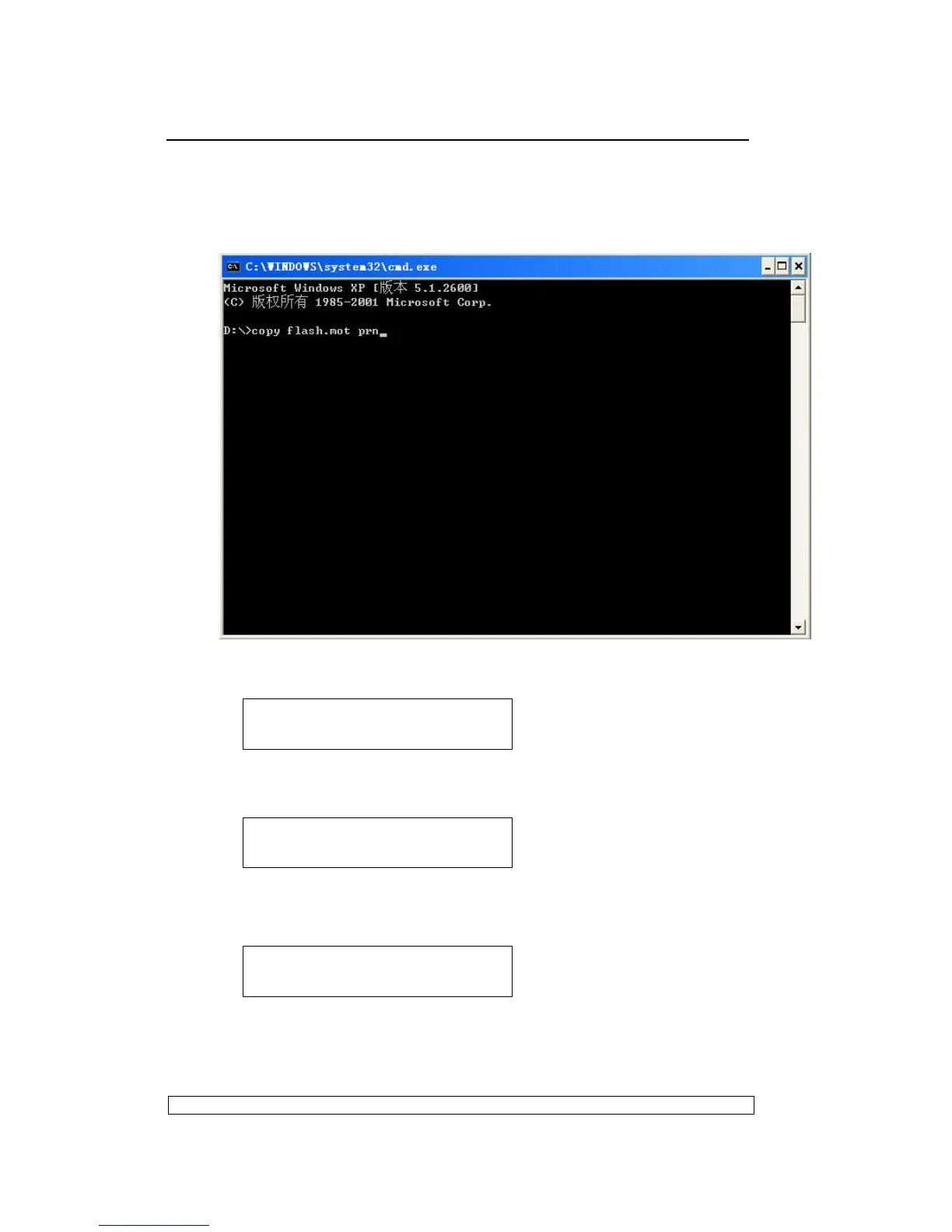
MS-DOS’s COMMAND window type command to copy firmware to
parallel port and type ENTER. For example, firmware is stored in ‘D’
partition. Type the command as showing below:
And LCD of PR9 shows as:
Then updating begins, LCD shows as:
After updating is finished successfully, LCD shows as:
Now PR9 will reset automatically, and PR9 can work normally after
reset.
UPDATE BUSY
PROGRAMMING 13BB0
UPDATE O.K.



 To Next Page