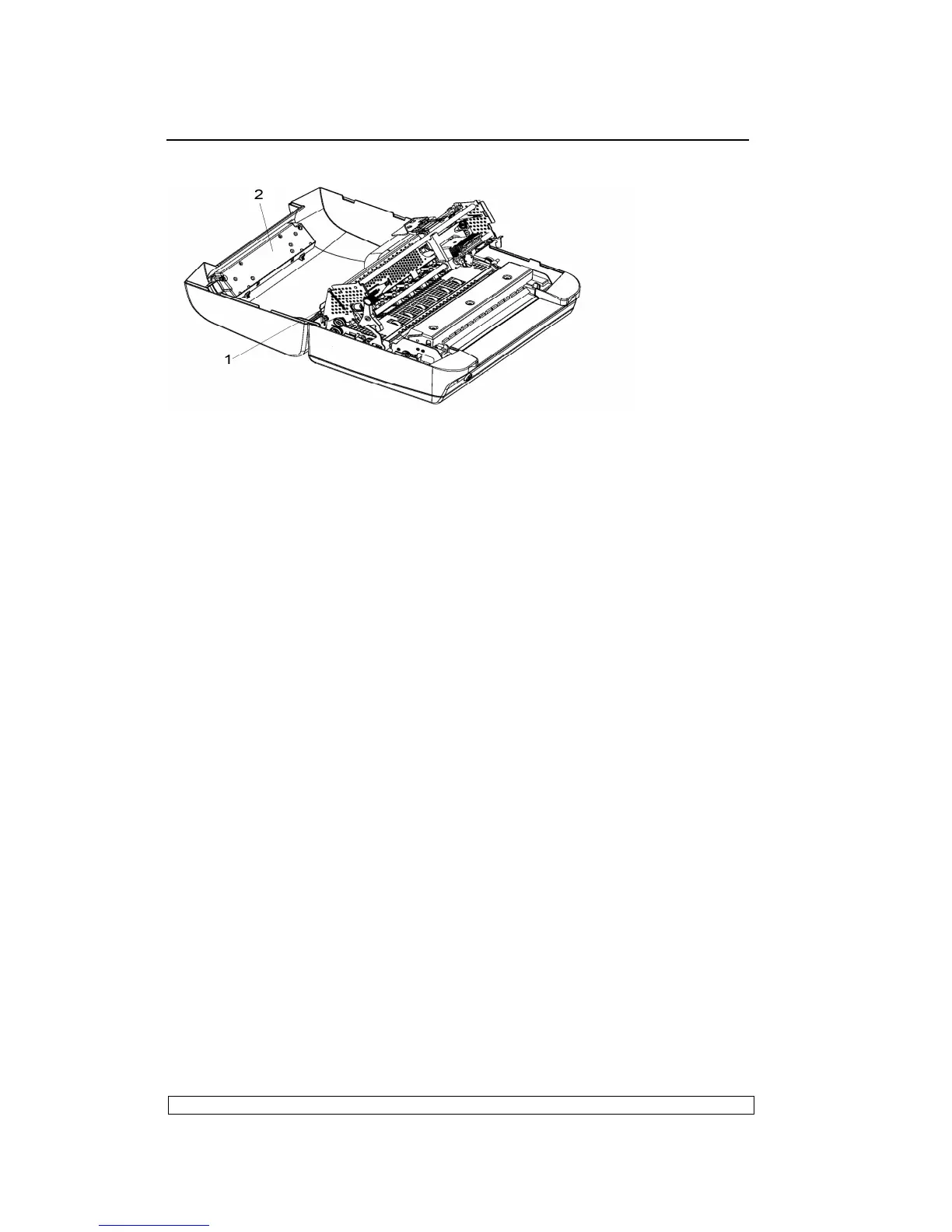
Fig. 6-2
6.3.3. PHOTOSENSOR BOX DISASSEMBLY/REASSEMBLY
- Open the printer’s top cover
- Raise the upper part of the mechanical assembly by using the specific
green lever (1).
- Push the snap features (2) aside and untie the photosensor box (4)
- Lift the photosensor box about 30 degree.
- Pull the photosensor box out of slot (3)
INSTRUCTION:
The photosensor box contains optical fiber, the front
pressure rollers, the upper part of the paper feed roller.



 To Next Page