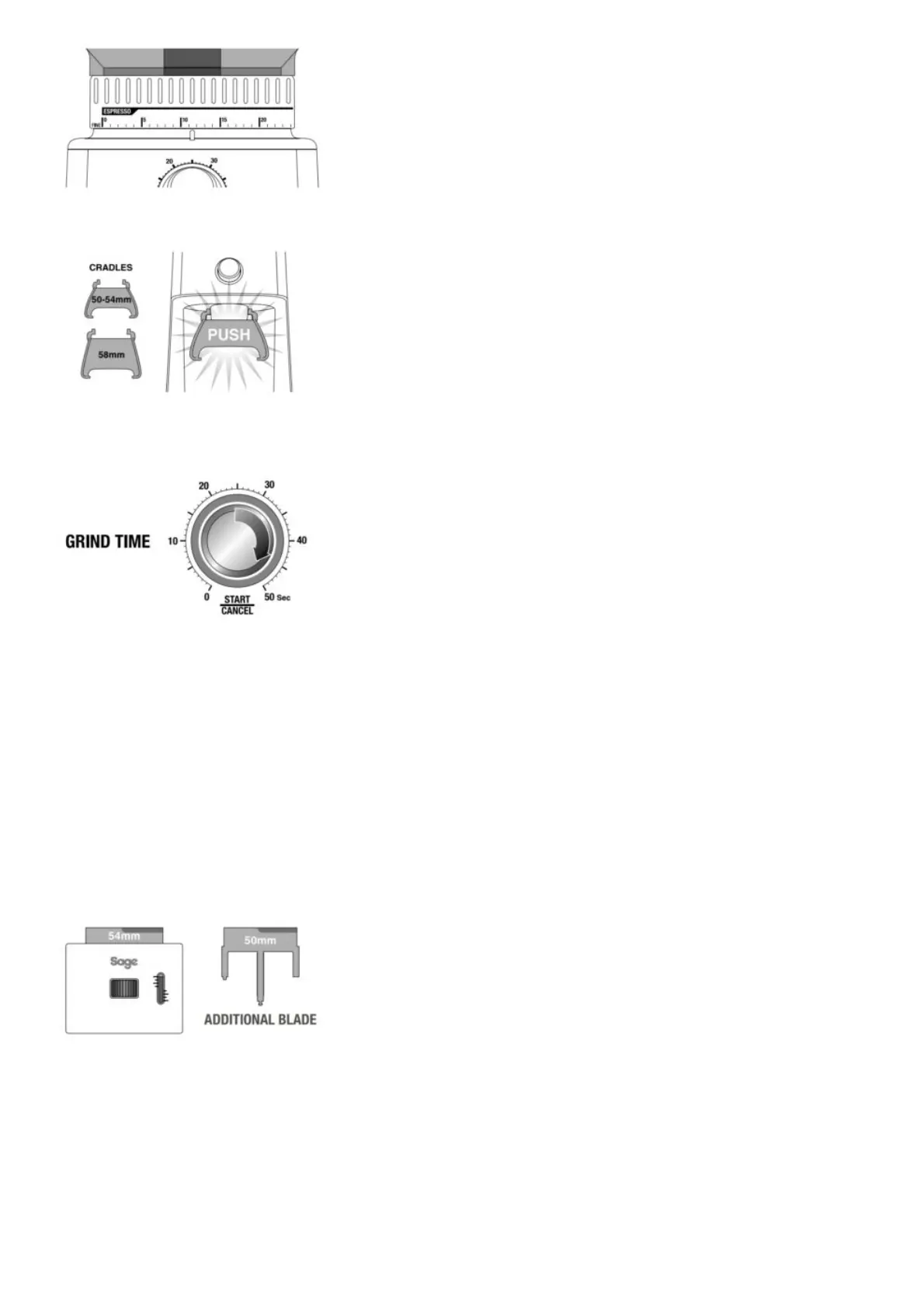
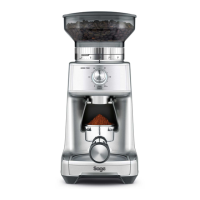
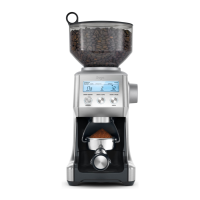
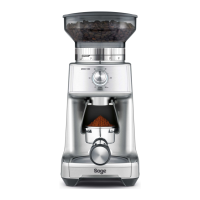
Step 1: Insert the appropriate portafi lter cradle size. Insert your portafi lter into the cradle.
Step 2: Selecting Grind Amount Select the desired amount of ground coff ee required by turning the
GRIND TIME dial.
Step 3:
Tamping the Ground Coffee
After dosing the portafi lter with freshly ground coffee, tamp down with between 15-20kg of pressure.
Step 4:
Trimming the Dose
The adjustable Razor™ Dose Trimming Tool allows you to trim the puck to the right level for a
consistent extraction. Select the correct width blade of the Razor™ to match the diameter of your fi
lter basket. The
Razor™ has three blades of varying widths: 58mm, 54mm and 50mm. The 58mm and 54mm are
already fi tted within the Razor™ body. The 50mm is separate.
If you require the 50mm blade, turn the adjustment dial past #1 until the 54mm blade is fully
extended and able to be pulled from the body.
If you require the 50mm blade, turn the Adjustable Dial past #1 until the 54mm blade is fully
extended and able to be pulled from the body.



 To Next Page