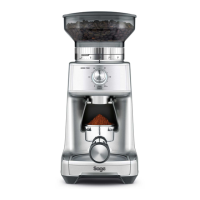
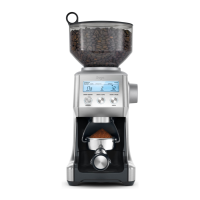
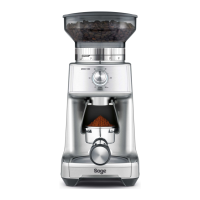
GRINDING INTO A GRINDS CONTAINER OR COFFEE FILTER
Step 1:
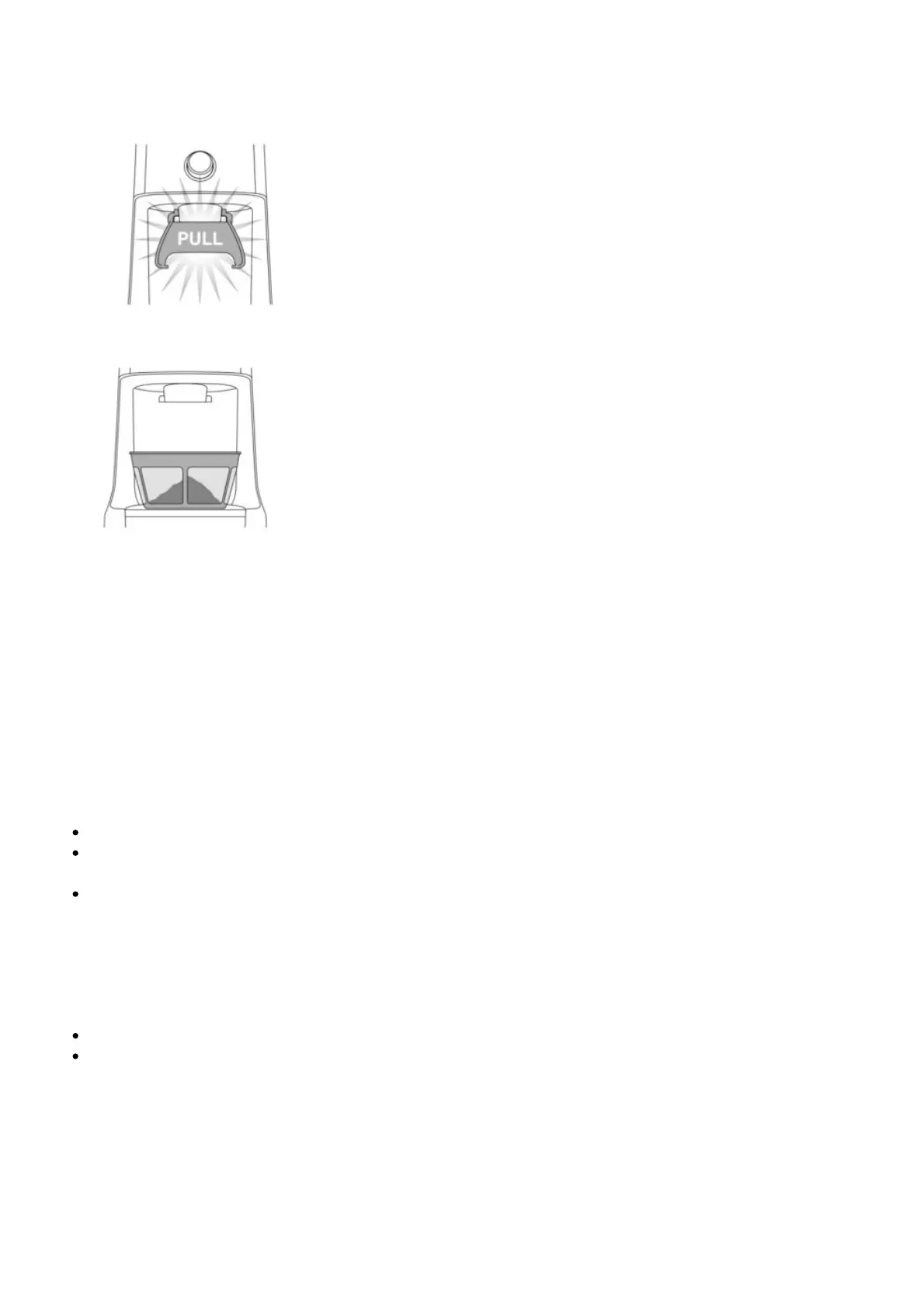
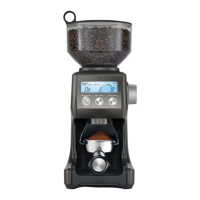
Remove cradle by sliding out from under the grind outlet.
Place your container or coffee filter directly under grind outlet.
Step 2:
Select the required amount of ground coff ee by rotating the GRIND TIME dial.
Step 3:
Select Your Grind Size
Rotate the Hopper to adjust the Grind Size Collar until it reaches the required brewing method range.
FEATURES OF YOUR SAGE DOSE CONTROL™ PRO
Pause Function
You can pause the grinder during operation, allowing you to collapse or settle the coffee in the
Portafilter.
Press the START / CANCEL button to start the grinding operation.
During grinding, press the START / CANCEL button to pause the grinding operation for up to 10
seconds.The START / CANCEL button will slowly fl ash while paused.
Press START / CANCEL again within this time to resume grinding the remaining dose. Or press and
hold the START / CANCEL button for 1 second to cancel.
Manual
Grinding manually allows you to have complete control over how much coffee is dispensed.
Press and hold the START / CANCEL button to grind for as long as you require.
Release START / CANCEL button to stop grinding.



 To Next Page