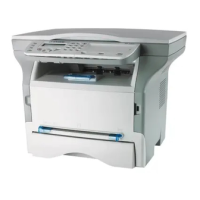
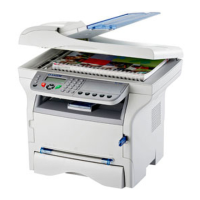
MF 5461 / MF 5481
- 10 -
2 - Installation
Packaging contents
The packaging contains the items listed below:
Multifunction device
Control panel
1 toner cartridge
1 installation guide and 1 PC installation CD ROM
1 power cord
1 telephone cord
1 initialisation card
Device installation
1 Unpack the device.
2 Install the device respecting the security notices
stated at the beginning of this booklet.
3 Remove all stickers from the machine.
4 Remove the plastic protection film from the screen.
5 Place the control panel in front of the machine,
insert the control panel in its back slots (A).
6 Push the front side of the control panel (B) to clip it.
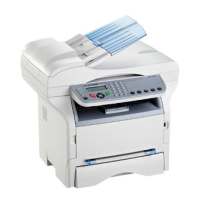
Installing the document feeder
1 Secure the document feeder by fitting the two clips
(B) in the notches (A) provided for this purpose.
Feed cassette paper insertion
Your device accepts a number of formats and types of
papers (refer to the paragraph Consumable
specifications, page 66).
Before inserting paper, refer to the
paragraph Paper recommendations,
page 7.
A
B
B
A
B


 To Next Page