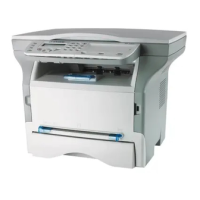
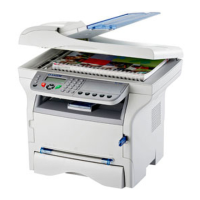
MF 5461 / MF 5481
- 31 -
6 - Parameters/Setup
3 Quit this menu by pressing the button.
Calibrate your scanner
You can do this operation when the quality of photocopied
documents is not satisfactory anymore.
80 - ADVANCED FCT / CALIBRATION
1 Press on
, enter 80 with the keyboard, confirm
with OK.
2 The scanner is triggered and a calibration is done
automatically.
3 At the end of the calibration, the machine comes
back to the screen saver
.


 To Next Page