5
Step 3: Placement
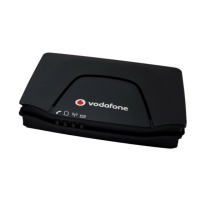
For best signal strength, we recommend you place your Voice Box and telephone in
a location within your premises that is close to a window. The Voice Box can sit in a
horizontal position or be mounted on the wall. The Antenna light signal on the front of the
Voice Box will stay constant when the reception is good.
!
Caution: Optus recommends that you place all other electrical devices at least one
metre away from the Voice Box to avoid electrical interference.
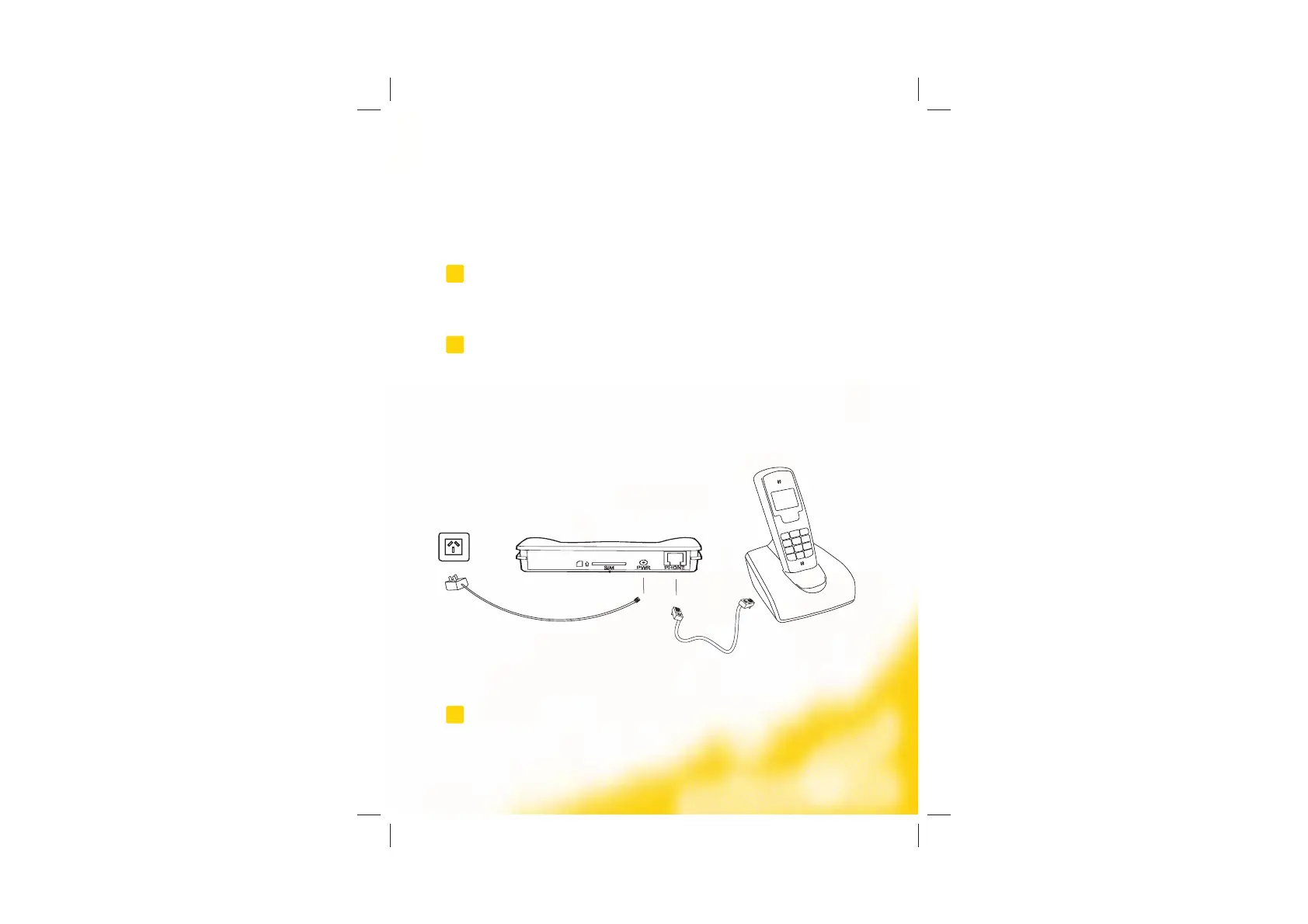
Step 4: Connect the Power Adaptor and Phone Handset
!
Caution: Use only the power adaptor supplied to prevent damage to your device.
1. Plug the power adaptor cable into the power supply at the back of the Voice Box.
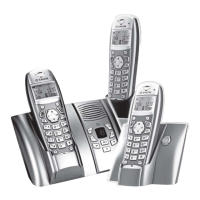
2. Plug your phone handset or cradle directly into the phone input at the back of the
Voice Box.
3. Plug the power adapter into the power point.
!
Note: To find out what your local number is, dial 1800 652 456. A voice recording will read out
your number.


 To Next Page