9
Handy Hints
• The Voice Box is a stand-alone unit and does not need to be plugged into your
telephone wall socket.
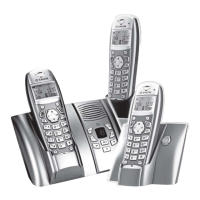
• The Voice Box is compatible with cordless phones.
• In order to connect multiple handsets (up to 3) on the one service number you can
purchase an “RJ11 triple adaptor” from most electronic supplies retailers.
• Where you have connected multiple handsets: If you receive a call and want to use
another phone in your premises, leave the first phone off the hook until you have
picked up the second phone.
Troubleshooting
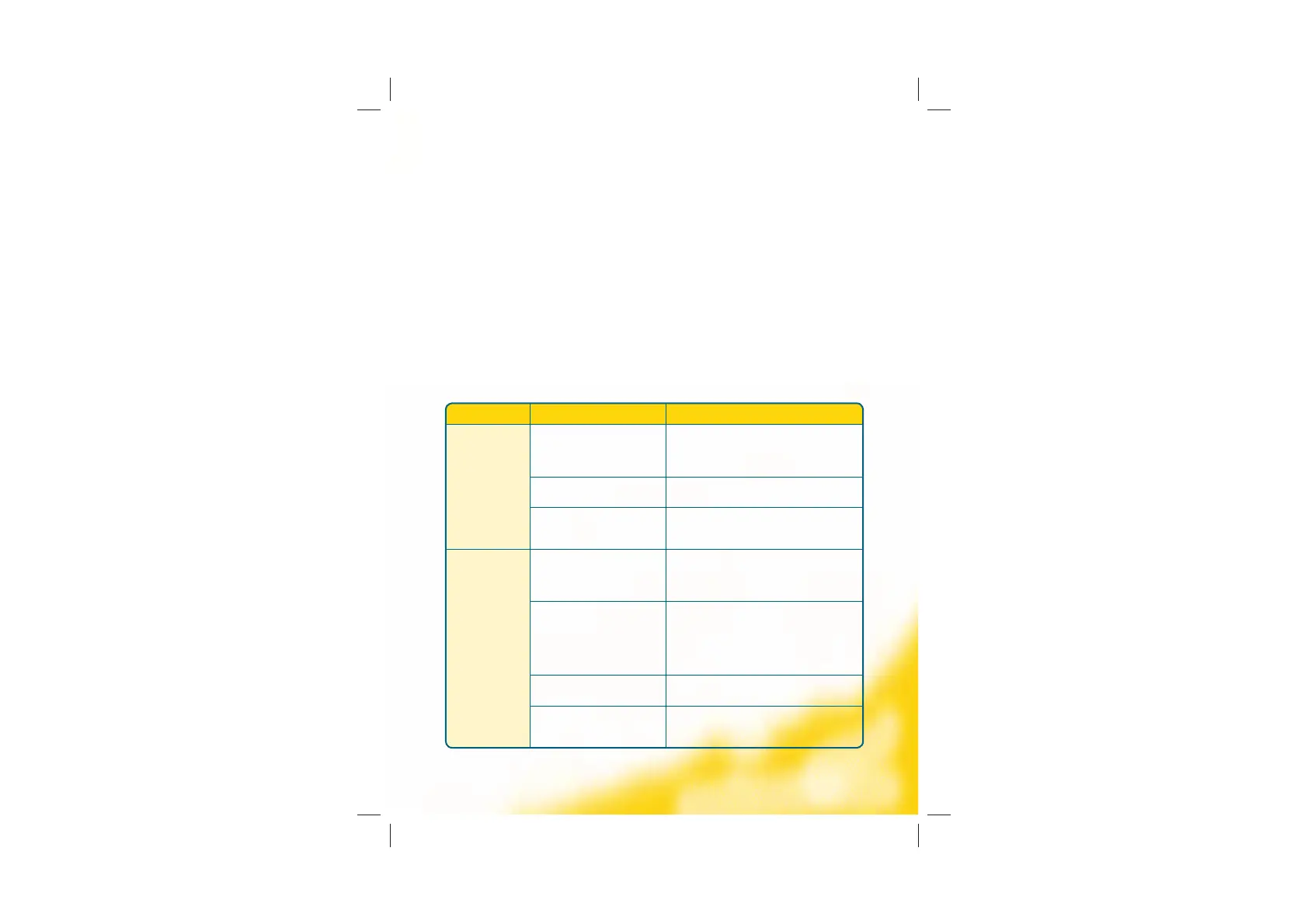
Problem Possible Cause How to solve it
Cannot make
a call
Network Coverage Check the antenna light signal, on the front of the
Voice Box, to see if it is blinking. If so, move the
Voice Box to a new position to get a constant light
signal. The closer to the window the better.
Power Failure In the event of a power failure you will not be able
to make a call.
Voice Box is not
set up completely
Check the Voice Box is plugged into the power socket
on the wall and that your phone is plugged into the
Voice Box.
Cannot receive
a call
Network Coverage Check the antenna light signal, on the front of the
Voice Box, to see if it is blinking. If so, move the
Voice Box to a new position to get a constant light
signal. The closer to the window the better.
Call forward unconditional
is active
Check if the phone handset light signal is blinking
on the front of the Voice Box. If so, then all calls
have been forwarded to VoiceMail. To reset call
forwarding to the default option, dial #22# and hang
up. Lift the handset and dial *77*321# and wait for a
confirmation tone.
Power Failure In the event of a power failure you will not be able
to receive a call.
Voice Box is not
set up completely
Check the Voice Box is plugged into the power socket
on the wall and that your phone is plugged into the
Voice Box.


 To Next Page