Sagemcom F@st 5260
Chapter 2:
Getting Started
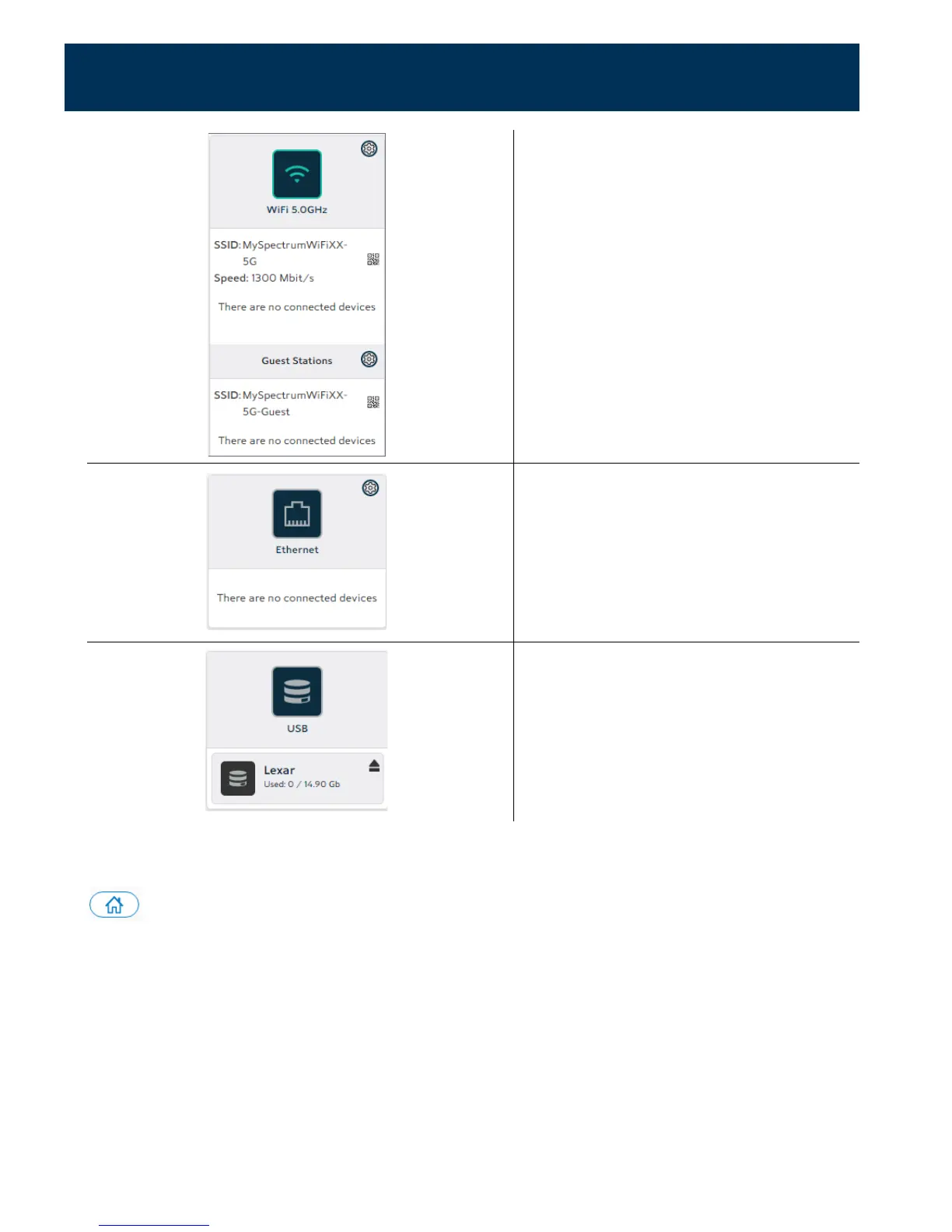
Configures the 5 GHz and Guest
network settings.
The dashboard icon displays devices
that are connected to the 5 GHz
Wi-Fi network.
Provides statistics on LAN Ethernet
ports.
The dashboard icon displays devices
connected by Ethernet.
Configures or safely removes USB-
connected devices.
The dashboard icon displays USB
devices that are connected.
Throughout the dashboard, devices highlighted in white are currently active. Inactive devices
are grayed out. You can return to the dashboard from other locations by selecting the home
icon.
A Tour of your Web GUI (Mobile Edition)
You may also access the web GUI through your mobile device (mobile phone, tablet, etc.).
The mobile version of the web GUI allows you to access the same controls as the PC version.
The dashboard will appear condensed to better fit your mobile screen.
14



 To Next Page