Sagemcom F@st 5260
Chapter 2:
Getting Started
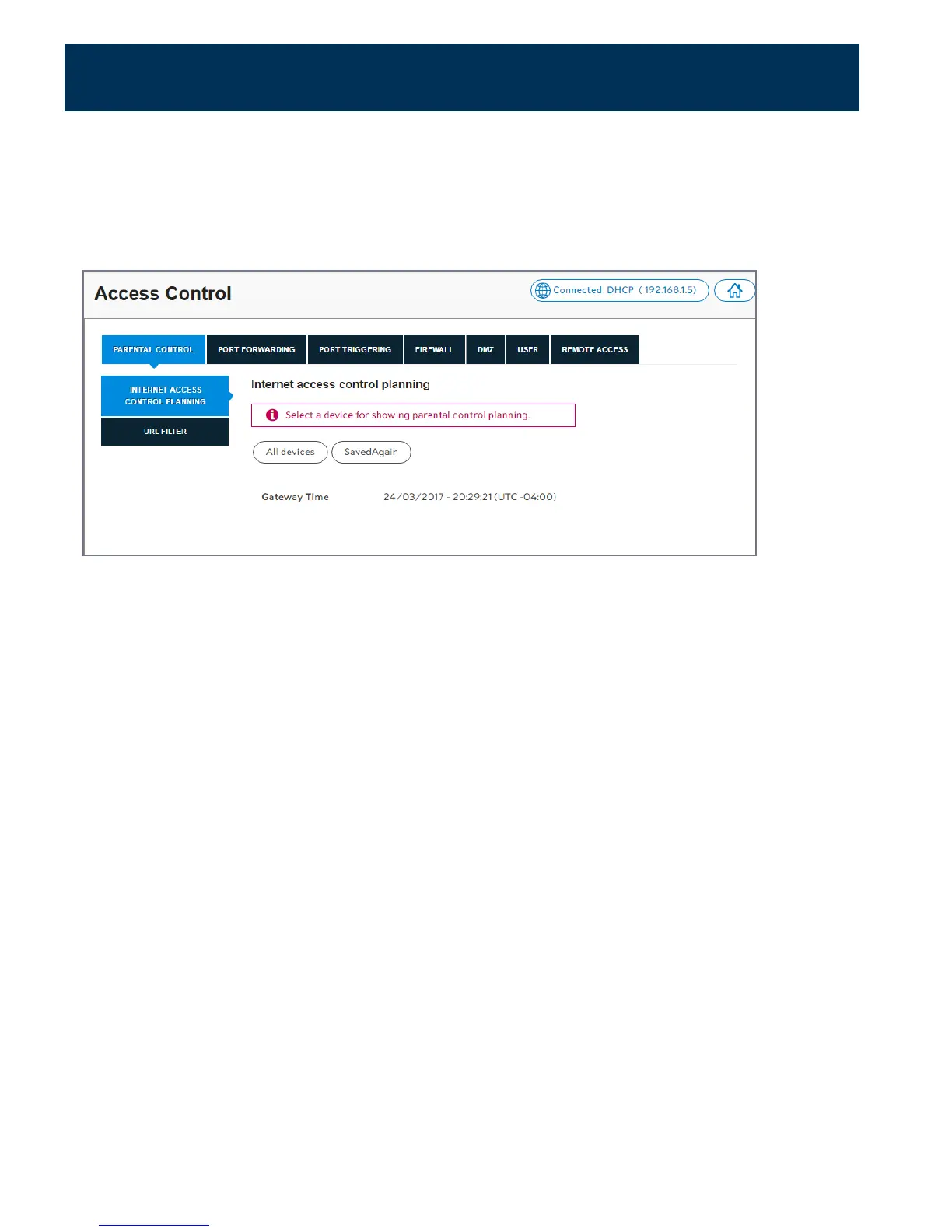
Setting up Parental Controls
Parental Controls can be configured to:
•
Limit access to the Internet at certain times on particular devices.
•
Block certain websites across all devices.
1.
Log in to the web GUI.
2.
Click on Access Control.
3.
Select the Parental Control tab.
Limit Internet Access times
1.
Under Internet Access Control Planning, click on All devices, or the selected device.
2.
Click and drag across a block of time during which you want to limit Internet access, or
click on Deny next to a day to block the entire day.
3.
Click Apply.
23



 To Next Page