Sagemcom F@st 5260
Chapter 2:
Getting Started
1.
Log in to the web GUI.
2.
Search for the device to be configured under the network where it is connected.
Remember: devices highlighted in white are currently active and inactive devices are gray.
3.
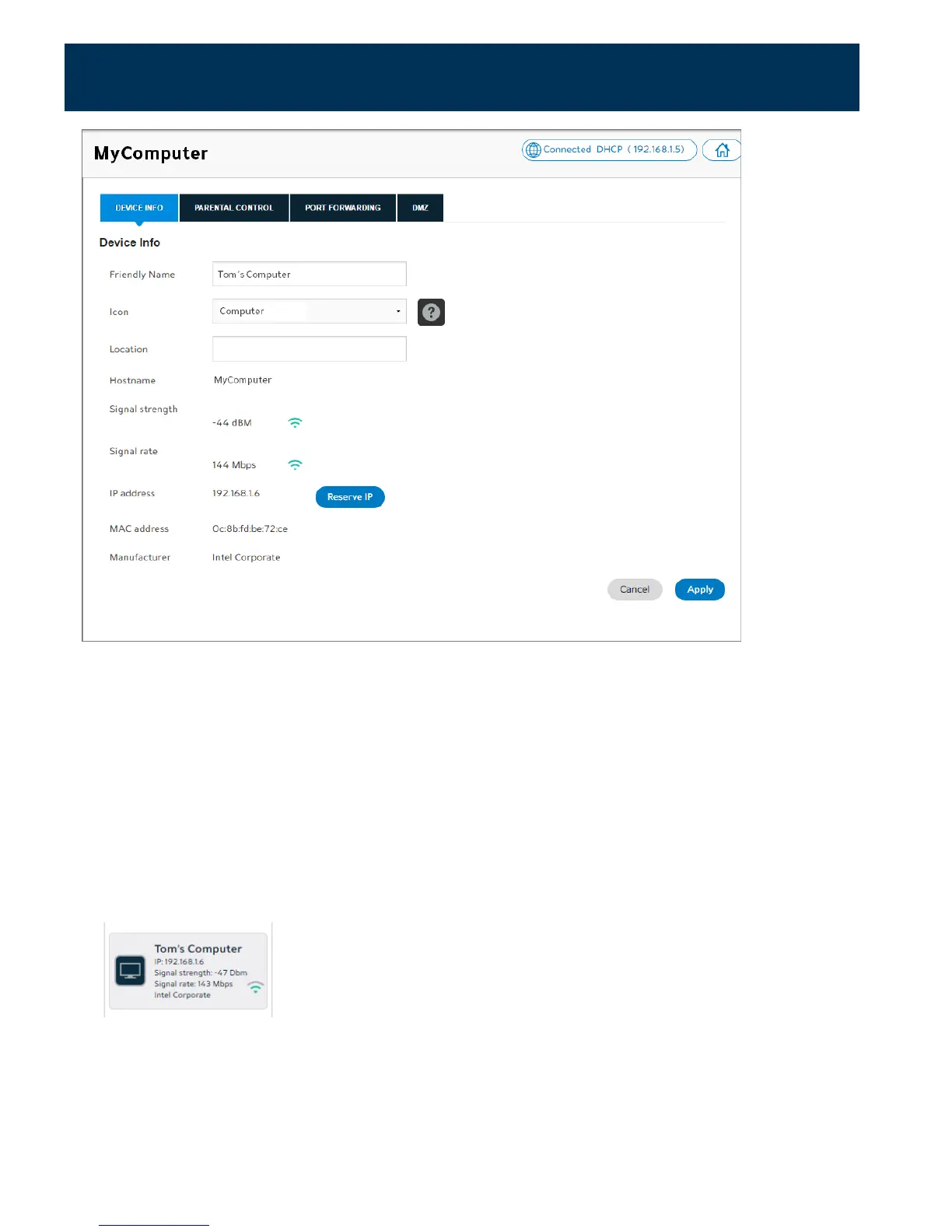
Click on the device you wish to customize.
4.
Select the Device Info tab.
5.
In the Friendly Name field, enter the name you wish to use to identify your device.
6.
In the Icon field drop-down menu, select the desired icon for the device.
7.
Click Apply.
The friendly name and associated icon now appear on the dashboard.
22



 To Next Page