Sagemcom F@st 5260
Chapter 2:
Getting Started
Configure your Wireless Router
The F5260 router can be easily configured to meet your wireless needs. This section
provides instructions on how to:
•
Connect to the web GUI
•
Change your local access (router login) username and password
•
Configure your Wi-Fi
•
Enable WPS
•
Change your time zone
•
Customize your device lists
•
Set up parental controls
•
Set up a guest network
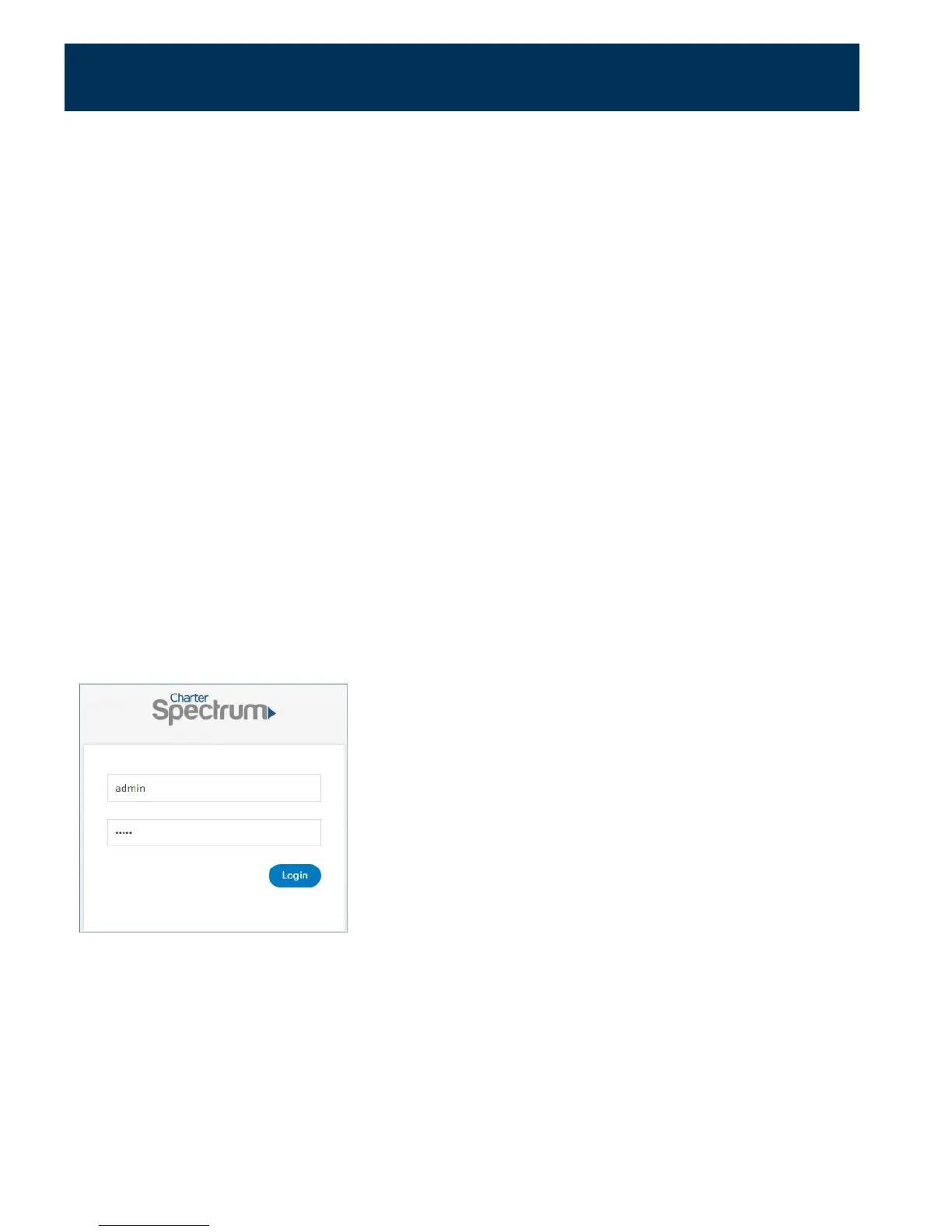
Configuration of your router begins with logging into your web GUI.
Log in to the Web GUI
1.
Open your web browser, then go to http://192.168.1.1.
2.
Enter the router login username and password listed on the back of your router (you can
change this later).
The default username and password are as follows:
Username: admin
Password: admin
3.
Your router’s home page (or dashboard) should now appear.
11



 To Next Page