Sagemcom F@st 5260
Chapter 3:
USB Sharing
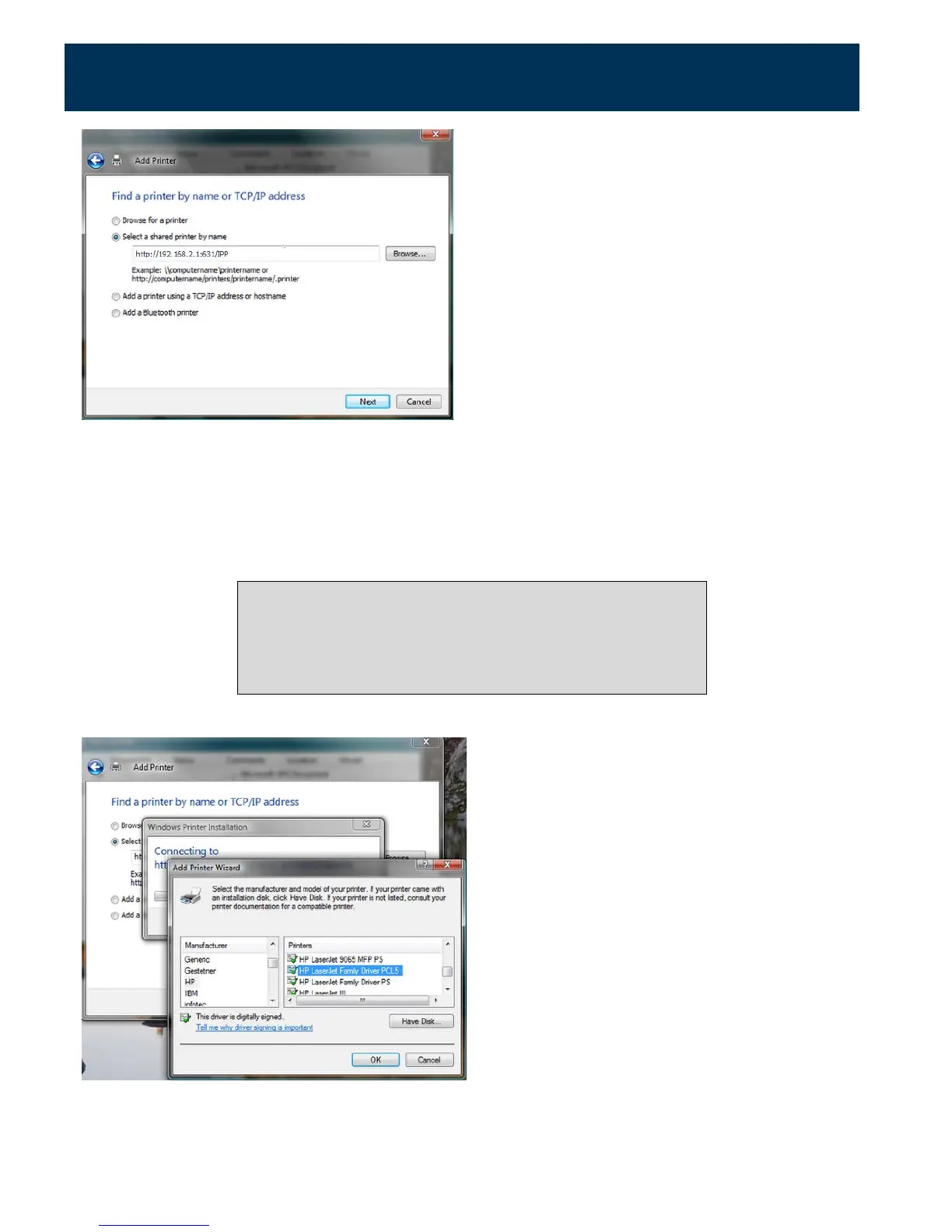
The specific URL may vary for different models of printer. Refer to printer manufacturer's
documentation. Some common printer URLs are:
•
http://192.168.1.1:631/
•
http://192.168.1.1:631/IPP/
•
http:// 192.168.1.1:631/IPP/port1
This step will fail if your printer is not connected or does not
support IPP.
You may also have to power-cycle your printer when changing
USB hosts.
8.
Choose the applicable printer driver. Click OK.
35



 To Next Page