7
• press
and 4 s or do not operate 60 s.
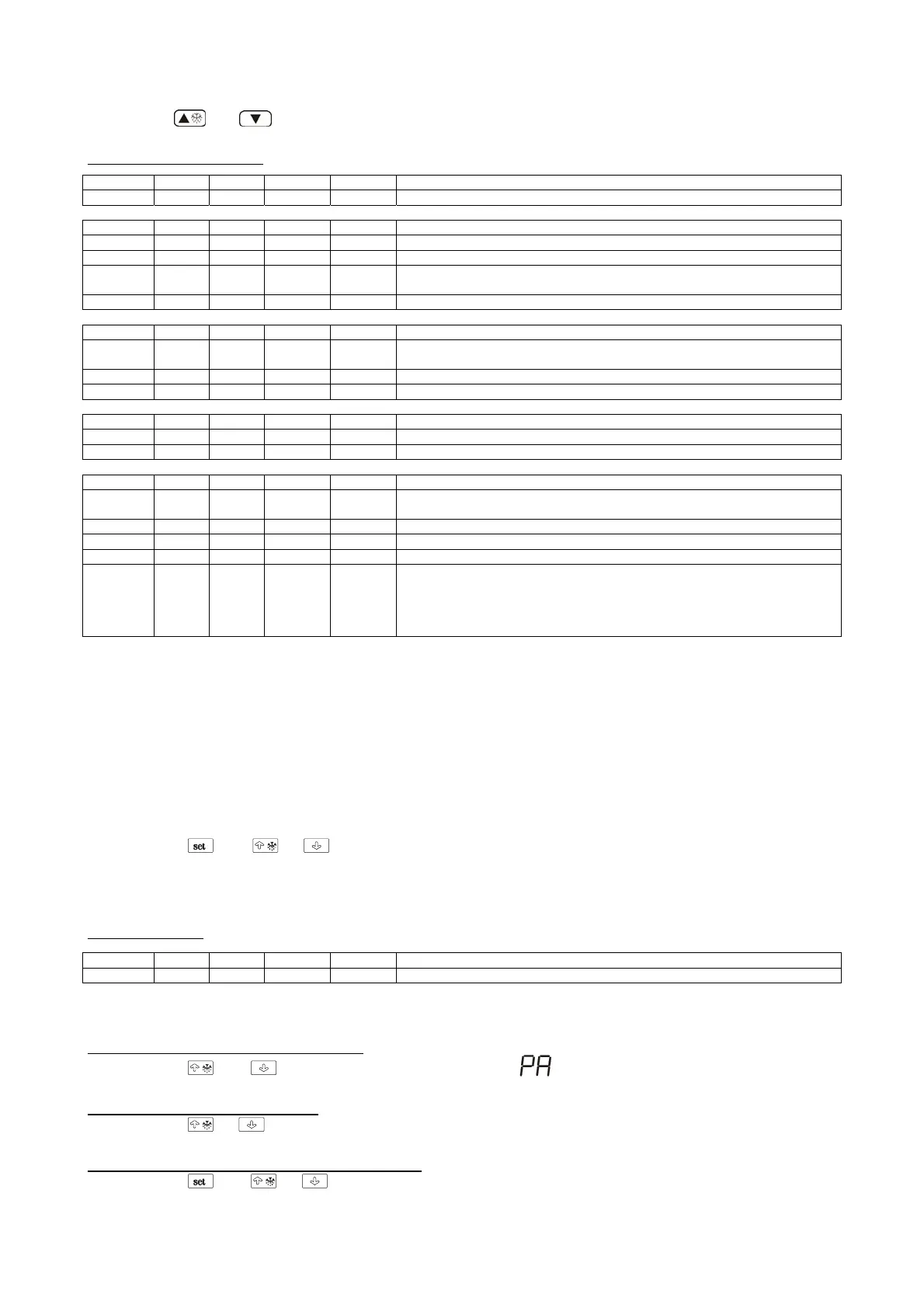
Configuration parameters
LABEL MIN. MAS. U.M. DEF. WORKING SETPOINTS
SP r1 r2 °C/°F (1) 0 working setpoint
LABEL MIN. MAS. U.M. DEF. MEASURE INPUTS
CA1 -25 25 °C/°F (1) -1 cabinet probe offset
P0 0 1 - 1 kind of probe (0=PTC, 1=NTC)
P1 0 1 - 0
decimal point Celsius degree (for the quantity to show during the normal
operation) (1=
YES)
P2 0 1 - 0 unit of measure temperature (2) (0=°C, 1=°F)
LABEL MIN. MAS. U.M. DEF. MAIN REGULATOR
r0 0.1 15 °C/°F (1)
1,5 (700lt)
3 (1500lt)
working setpoint differential
r1 -99 r2 °C/°F (1) 0 minimum working setpoint
r2 r1 99 °C/°F (1) 10 maximum working setpoint
LABEL MIN. MAS. U.M. DEF. COMPRESSOR PROTECTIONS
C0 0 240 min 0 compressor delay since you turn on the instrument
C2 0 240 min 3 minimum time the compressor remainsturned off
LABEL MIN. MAS. U.M. DEF. DEFROST
d0 0 99 H 6
defrost interval; also look at d8 (5)
0=the defrost at intervals will never be activated
d3 0 99 min 20 defrost duration (0=the defrost will never be activated)
d4 0 1 - 0 defrost when you turn on the instrument (1=YES)
d5 0 99 min 0 defrost delay when you turn on the instrument (only if d4 = 1)
d6 0 1 - 1
temperature shown during the defrost
0=cabinet temperature1=if to the defrost activation the cabinet temperature is
below “working setpoint+ r0”, at most “working setpoint + r0”; if to the defrost
activation the cabinet temperature is above “working setpoint +r0”, at most the
cabinet temperature to the defrost activation (6)
(1) the unit of measure depends on parameter P2
(2) set the parameters related to the regulators appropriately after themodification of the parameter P2
(5) the modification of parameter d0 has effect since the end of the previous defrost interval or since the activation of a defrost by hand
(6) the display restores the normal operation as soon as the defrost ends and the cabinet temperature falls below the one that has locked the display (or if a
temperature alarm arises)
“NEGATIVE TEMPERATURE” (49)
How to set the working setpoint
If you have to modify the working setpoint value:
• press
and or *
* you can set the working setpoint between the limits you have set with the parameters r1 and r2.
* unless the parameter r5 has value 0, you can not modify the working setpoint..
Working setpoint
LABEL MIN. MAX U.M. DEF. WORKING SETPOINT
r1 r2 °C/°F (6) -22 working setpoint
How to set the configuration parameters
Configuration parameters are arranged on two levels.
If you have to gain access the first level:
• press
and for 4 sec; the instrument will show
If you have to select a parameter:
• press
or
If you have to modify the value of the parameter:
• press
and or


 To Next Page