NOTE: The camera batteries must be recharged for at least four hours on the first use.
In order to conserve battery power, if the camera is not used for 60 seconds, the camera will automatically
enter energy save mode.
Camera Modes
Your camera has two main Modes: Camera Mode and Playback
Mode.
Camera Mode
Take photo
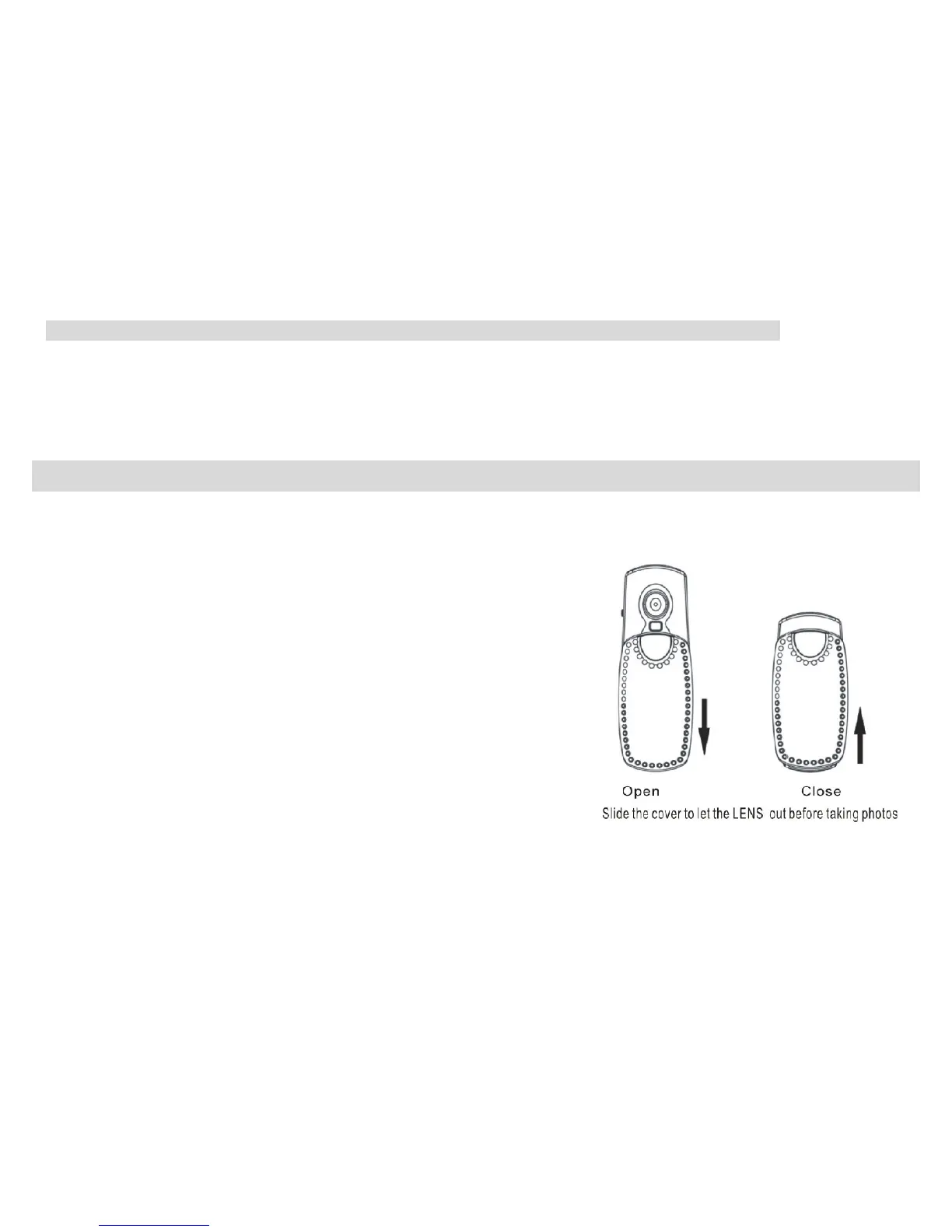
Slide the cover to show the camera lens. Ensure your camera is
switched on and in Camera status. You can compose your shot
using the LCD screen.
Hold the camera steady, and press the Shutter/Confirm button to take your photo. There will be a short delay
while the camera saves the photo to memory.
Note: After each photo is shot, the number of photos still available to shoot at the current resolution will be
displayed in the upper corner of the LCD screen. When the camera memory is full, the LCD screen will
display “000”. If you attempt to take a photo while the memory is full, the camera will beep.
- -
13



 To Next Page