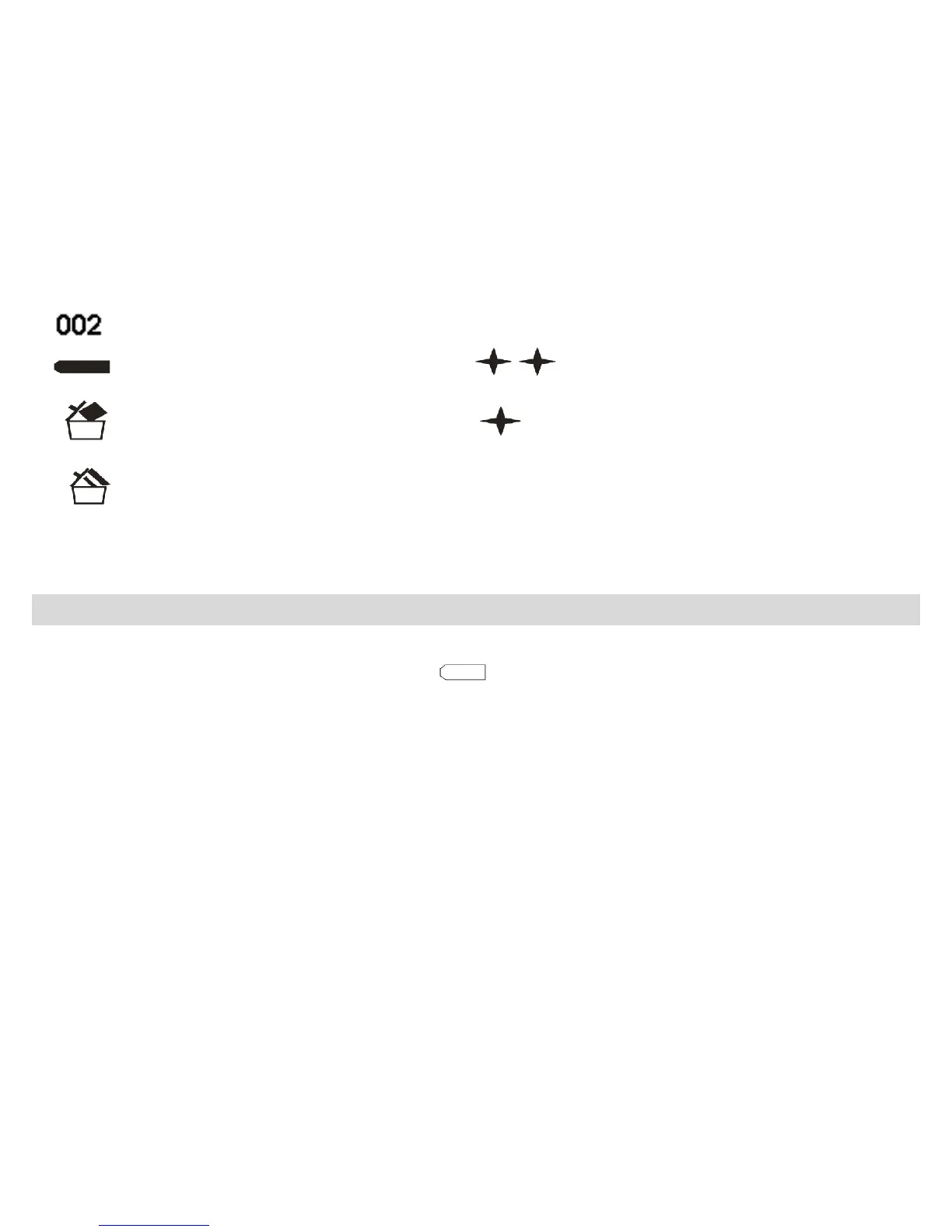
Remaining number of photos available to shoot
Battery power lever High resolution (VGA)
Delete one photo Low resolution (QVGA)
Delete all photos
Preparing Your Camera for Use
Your camera is powered by a built-in lithium battery and is powered through USB connection to your PC. If
the camera has insufficient battery power, the icon will flash on the LCD screen and the camera will
automatically turn off after sixty seconds.
To charge your camera, slide the Charger/Camera switch on the side of the camera to Charger status and
then connect your camera to your PC using the USB cable.
- -
7



 To Next Page