Everything you need to get the most of your photos and MORE
The “Photags Express” software that is installed on your computer allows you to edit existing photos that you
have on your computer as well as the photos that you have captured with your Webcam using “WebCam
Express”:
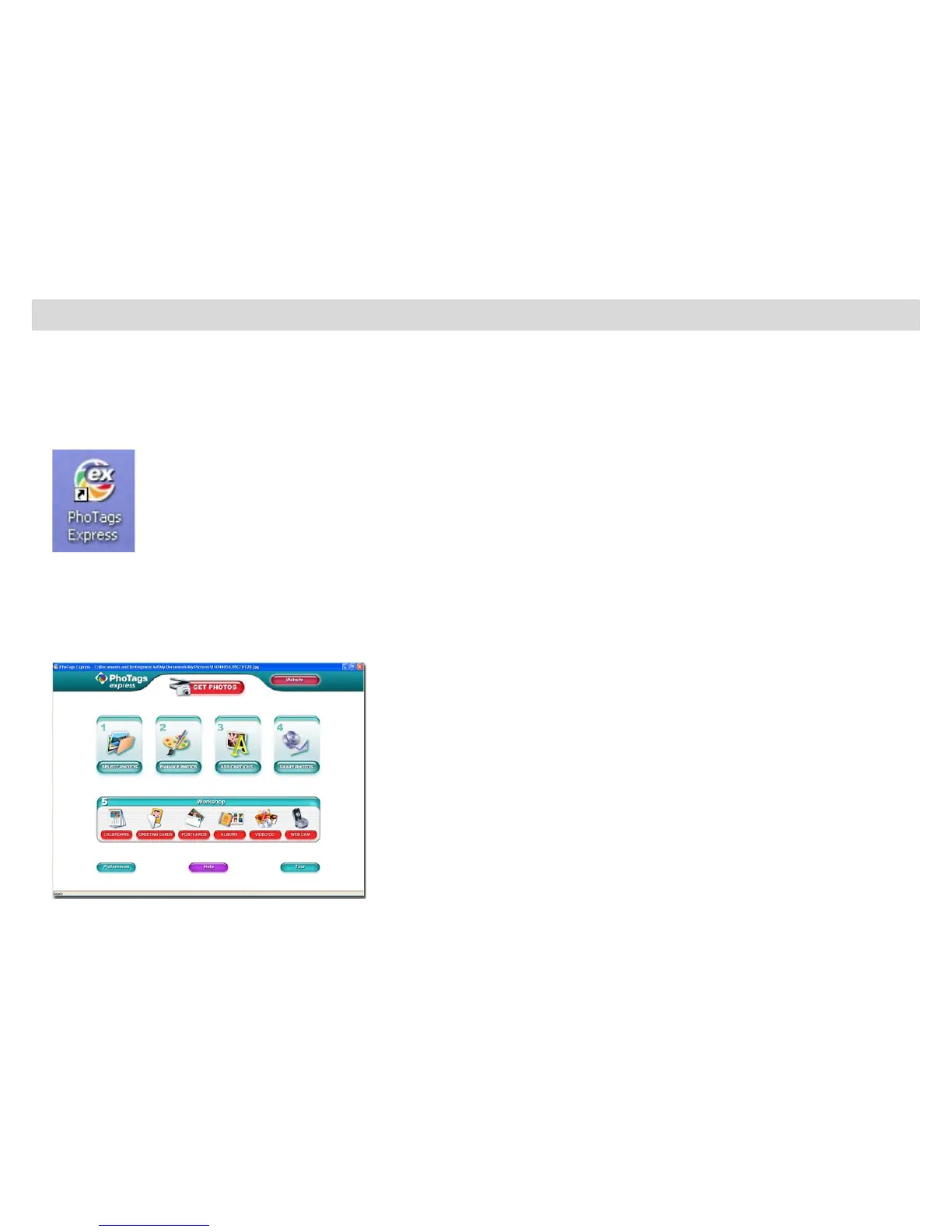
Click the “Photags Express” icon that appears on your desktop to open the “Photags Express” Software.
From the Main Menu screen that appears, select the “Select Photos”, “Enhance Photos” or “Add
Captions” buttons. You can use these features to edit your photos:
- -
27



 To Next Page