Manual Photo Download:
Get photos manually using “PhoTags Express”?
Use the “PhoTags Express” program to import the photos from your camera.
1. Plug one end of the USB cable into the USB slot on your camera.
2. Plug the other end of the USB cable into a USB port on your computer.
3. Your camera will automatically be turned on.
4. Be sure to wait until the camera is recognized by your computer.
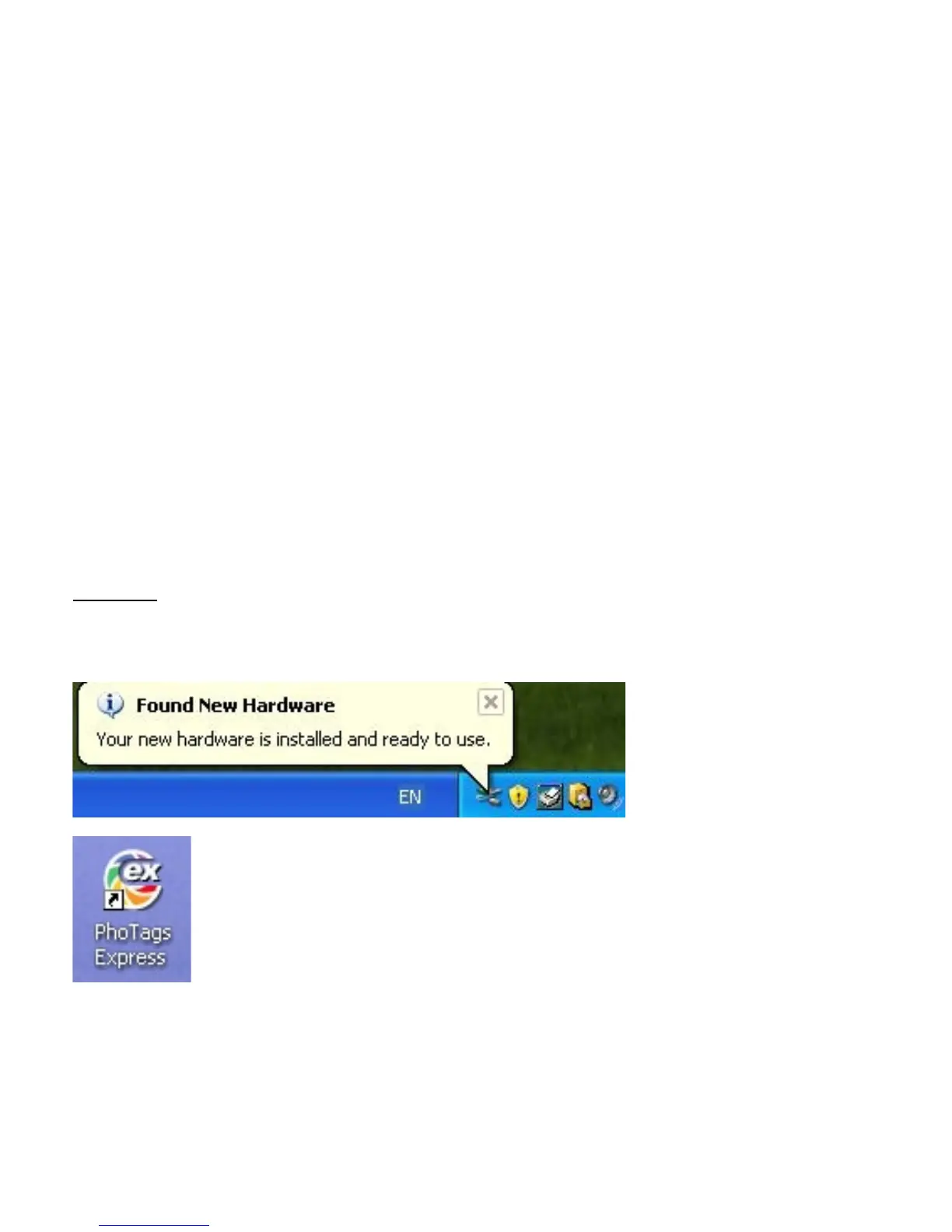
Important: For WinXP users - Do not open the software until you see the “Your new hardware is
installed and ready to use” pop-up box on the toolbar. If you do not see this message before you plug in
your camera, the camera will not function properly.
- -
16



 To Next Page