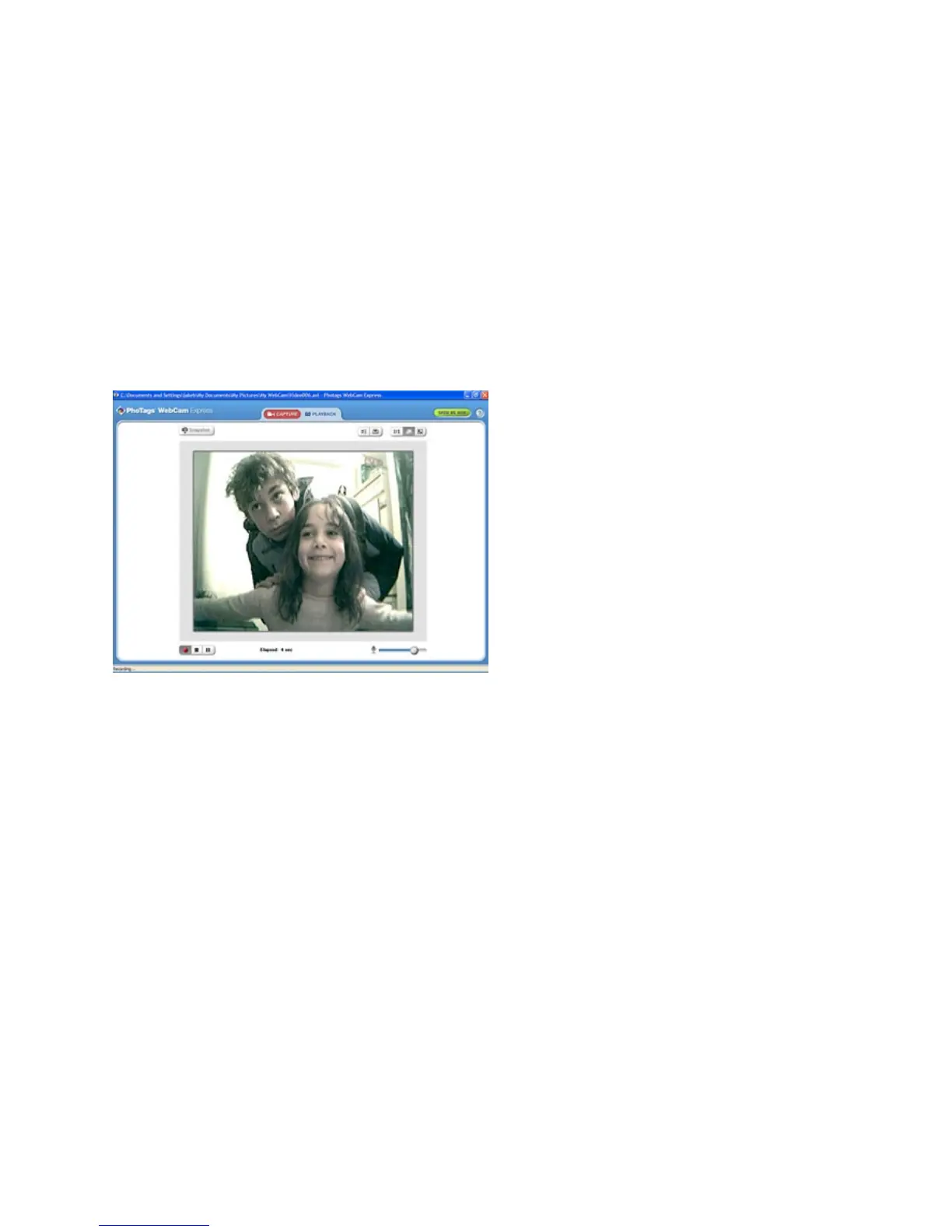
5. You may now edit this photo by opening the "Photags Express application. From the Main Menu select
the “Select Photos” mode, and from the directory tree on the left of the thumbnails screen, select the My
WebCam folder where the photo has been saved.
Method 2 – Playback Mode:
1. After capturing an AVI video with your Webcam as explained above, select the “Playback” mode button
at the top of the application screen.
2. You can now select the AVI video that appears on the left of the view screen.
3. Run the video by pressing the “Play Video” button.
4. While the video is running select the “Snapshot” button to take photo snapshots that are now saved as
jpeg pictures.
- -
24



 To Next Page