2. Press the and navigation buttons until you have selected the Quality menu.
3. Using the and navigation buttons, select your Quality setting: Standard or High
4. Press the OK/Enter button to confirm your selection.
Frequency:
Fluorescent lighting oscillation can affect the quality of your photos. Set the camera for the correct frequency for the country that you are in. Your camera
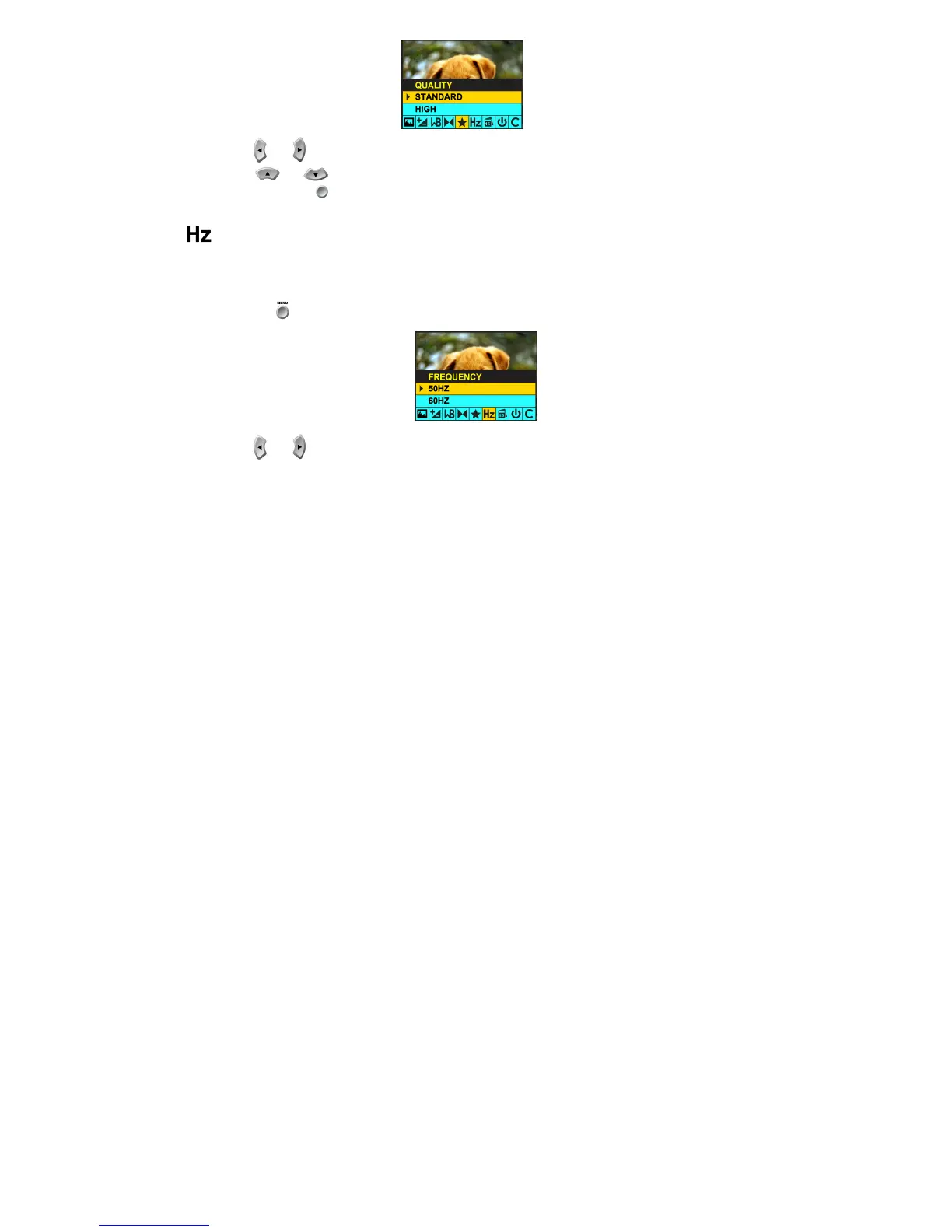
has 2 Frequency settings, 60HZ for the U.S. and Asia and 50HZ for Europe and Japan. The default setting is 60Hz.
To change the frequency:
Press the Menu button .
1. Press the and navigation buttons until you have selected the Frequency menu.



 To Next Page