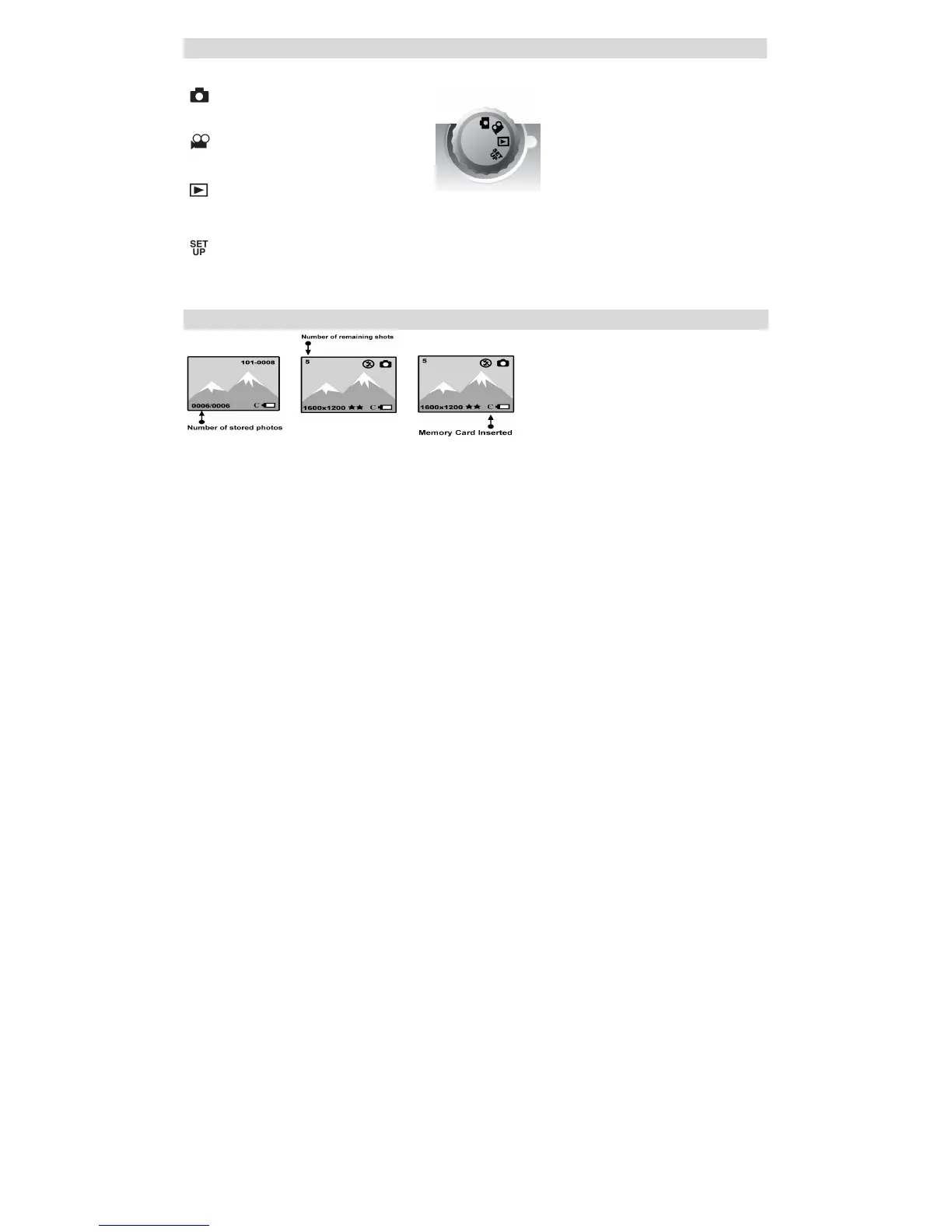
The Mode Dial
There are 4 modes on your camera. To select a mode, align the icon with the indicator to the right of the mode dial.
• Camera Mode:
Take still photos
• Video Mode:
Capture video
• Playback Mode:
View, print and edit photos and view videos
• Setup Mode:
Set date and time, exposure, white balance, sharpness, photo quality, frequency format and auto off time, format a memory card.
Icons on the LCD Screen



 To Next Page