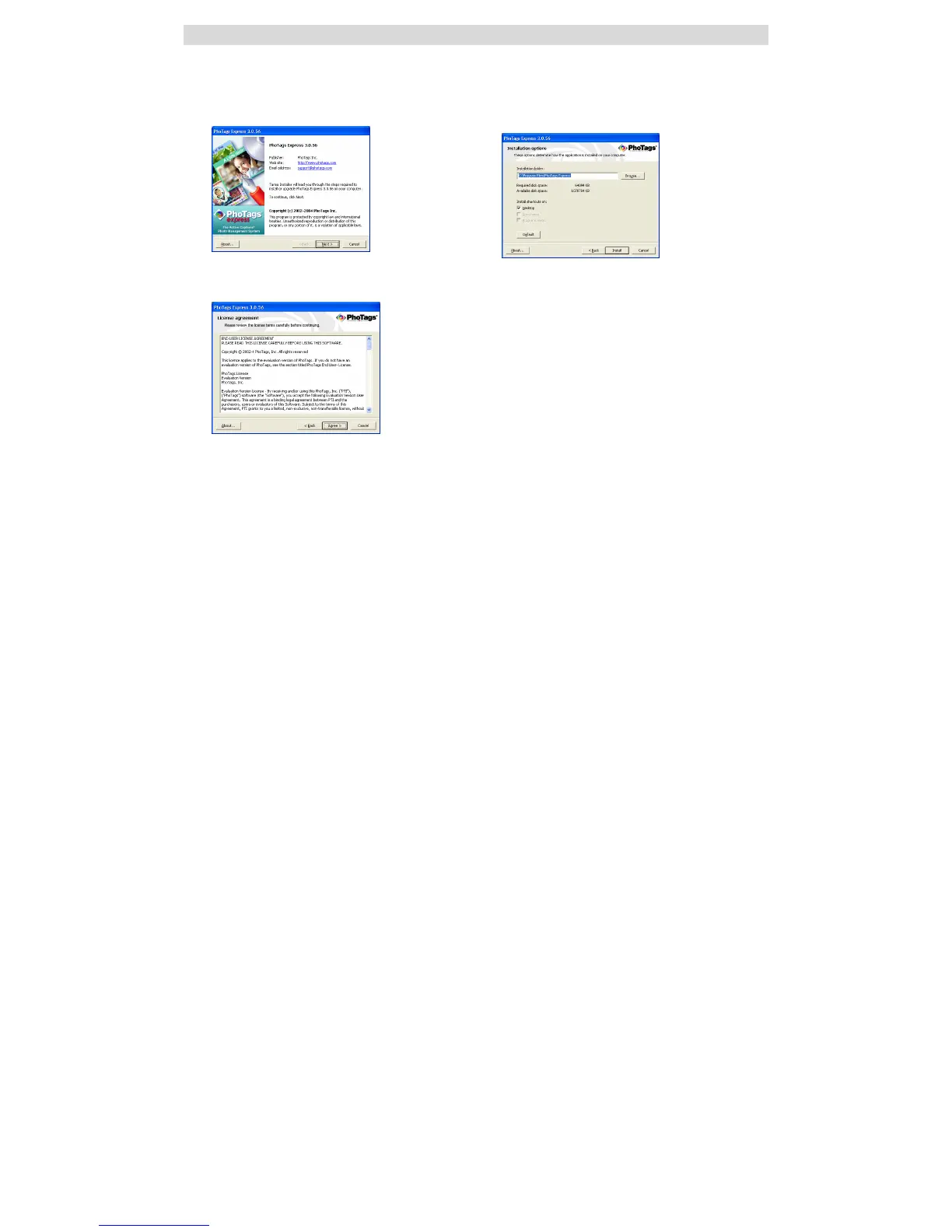
Installing PhoTags Express Software
Insert the Software CD that came with your camera into the CD-ROM drive.
Make sure that your camera is NOT connected to the computer.
In a few seconds the “Install your camera software” screen will appear.
Select your camera model from the drop down list and click the “Install” button to install PhoTags
Express.
On the “PhoTags Express" screen, click the “Next” button.
Please review the license terms and click the “Agree” button to
continue.



 To Next Page