2. Using the and navigation buttons, select the time period the camera will remain idle before automatically shutting off.
3. Press the OK/Enter button to confirm your selection.
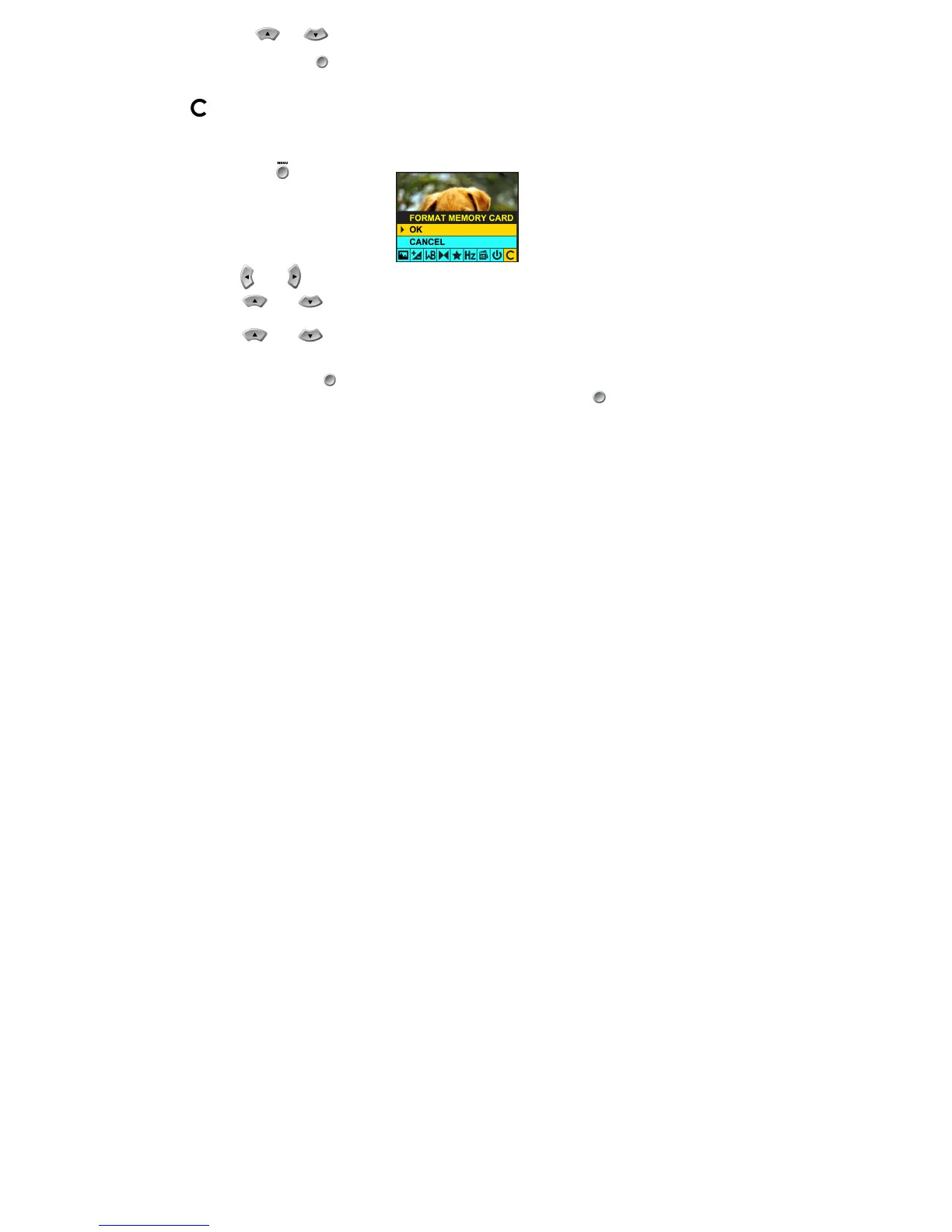
Format Memory Card
:
This function reformats the memory card and will erase all files in memory including files that have been protected
Press the Menu button .
Press the and navigation buttons until you have selected the Format Memory Card menu.
Using the and navigation buttons, select:
OK to format your card
Using the and navigation buttons, select:
Yes to format the memory card.
No to exit the menu without formatting.
Press the OK/Enter button to confirm your selection.
CANCEL to exit the menu without making changes. Press the OK/Enter button to confirm your selection.



 To Next Page