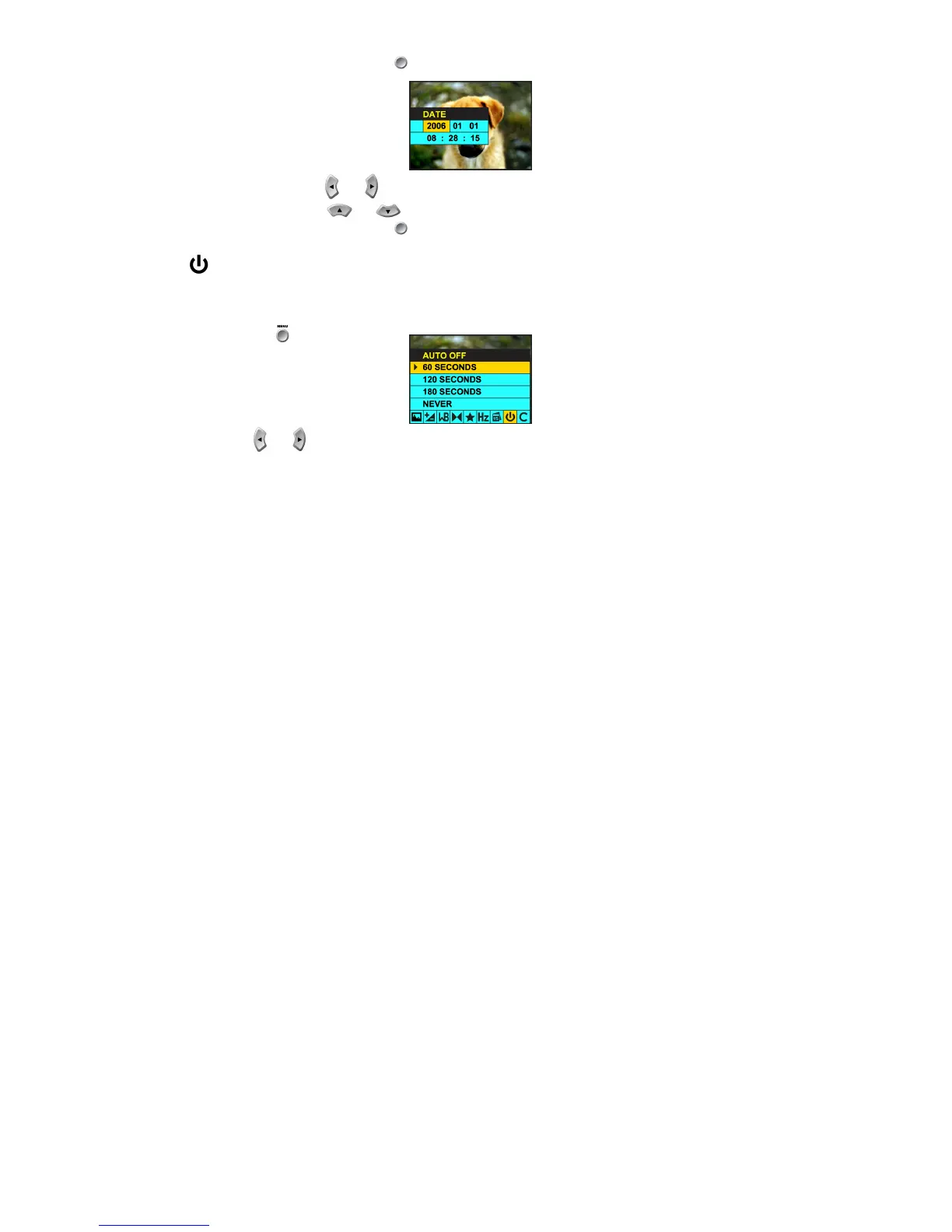
i. Press the OK/Enter button .
ii. Use the and buttons to select: Year, Month, Day, Hour, Minutes or Seconds.
iii. Use the and buttons to adjust these values.
iv. Press the OK/Enter button to confirm your selection.
Auto Off:
The Auto Shut-Off is a special battery-saving feature which allows the camera to turn itself off when not in use.
You can choose how long the LCD screen will remain on while idle before automatically shutting off.
Press the Menu button .
1. Press the and navigation buttons until you have selected the Auto Off menu.



 To Next Page