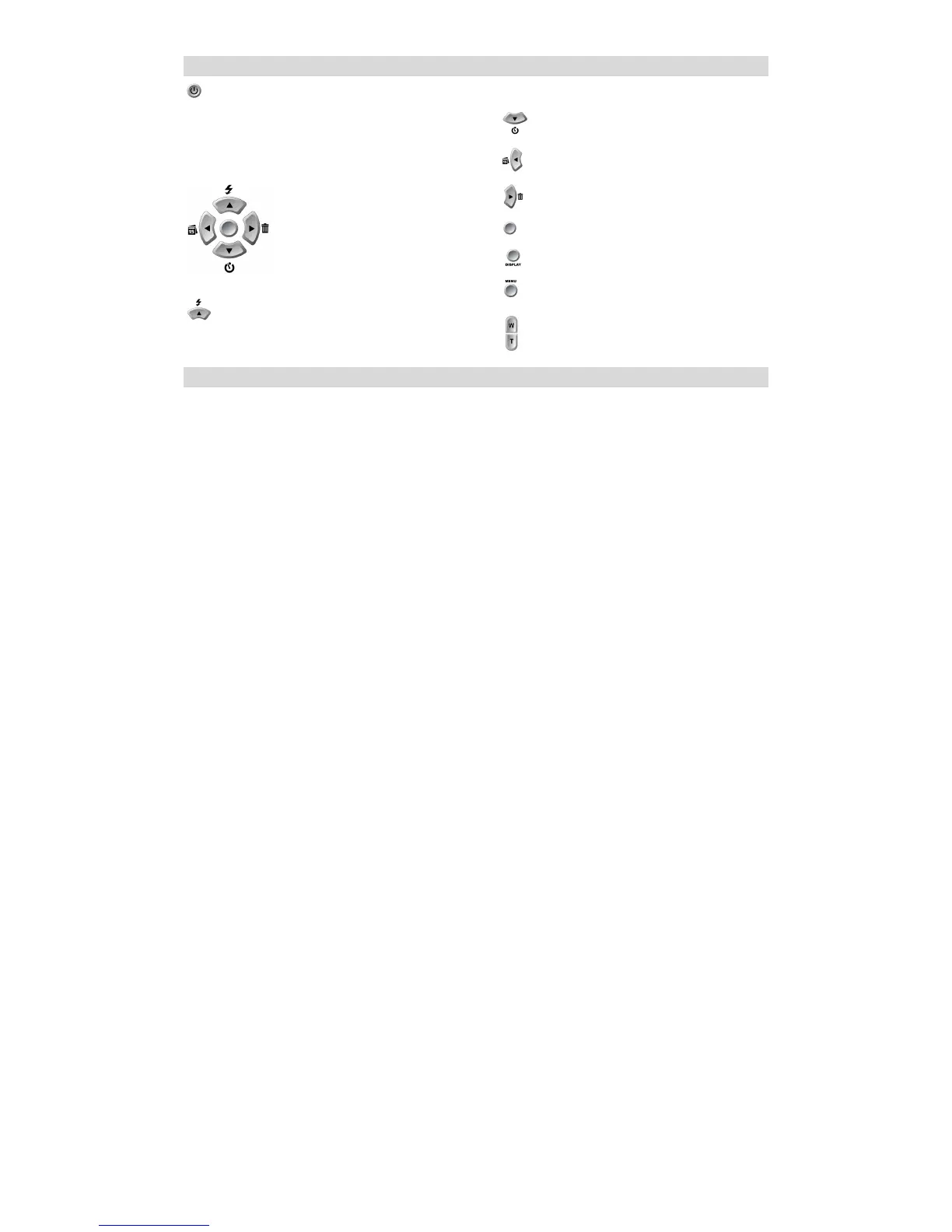
Main Buttons
Power on/off:
Turn your camera On/Off. Press the button once to turn your camera
on. Pressing it again will turn your camera off.
Navigation buttons
The Navigation buttons are used to navigate and select functions.
Up/Flash
Down/ Self –Timer
Left/Date
Right/Delete
OK/Enter
Display
Menu
Zoom
Preparing Your Camera for Use
Battery Installation
Your camera requires two AA batteries. Insert the batteries into the camera:
1. Slide the cover of the battery compartment open.
2. Please make sure that the correct battery is inserted with the correct polarity facing up.
3. Please refer to the diagram below for the correct insertion method.



 To Next Page