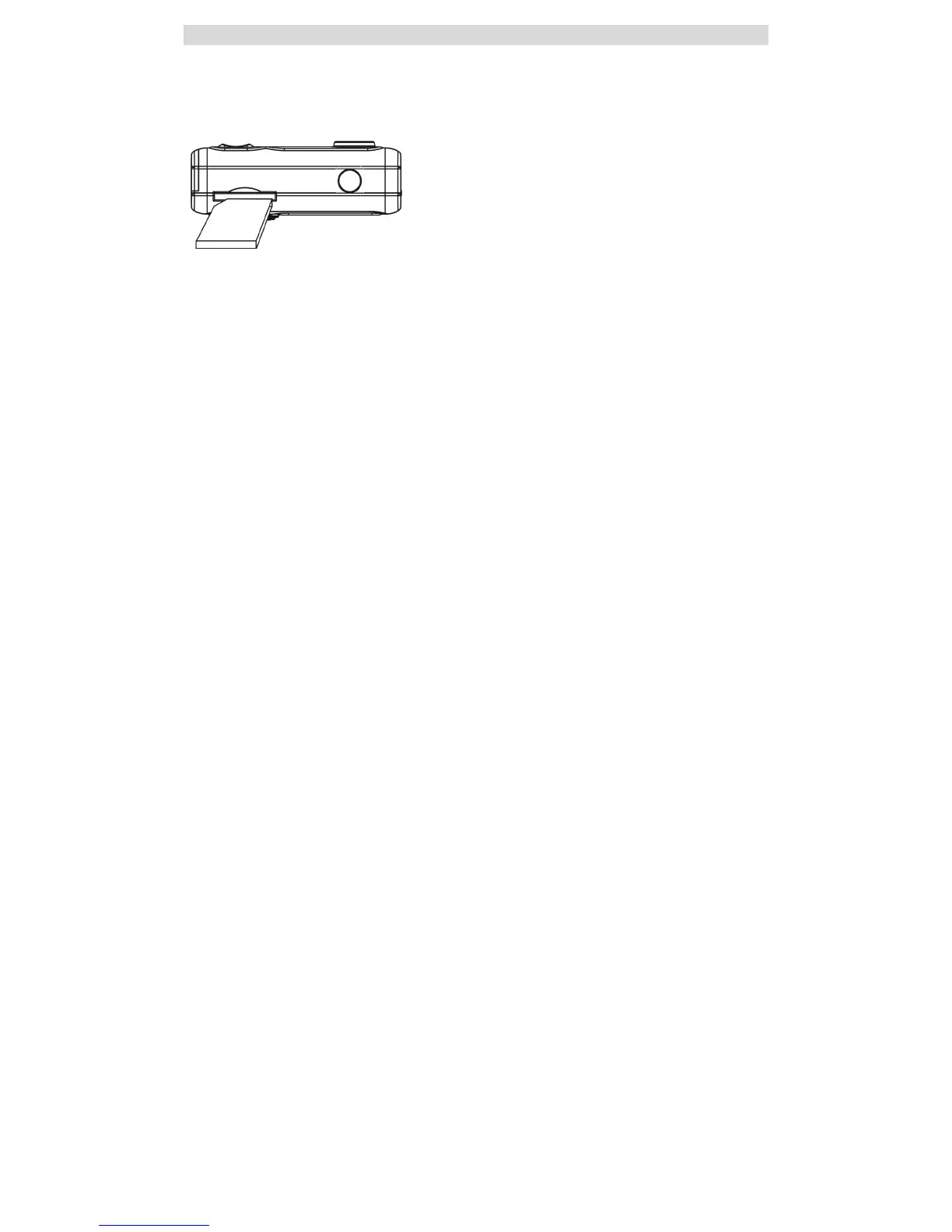
Installing SD Memory Card
Your camera has a memory card slot that enables you to insert any “SD” compatible memory card. Adding a memory card will allow you to increase the
capacity of your camera before you have to transfer photos/videos to a PC. Photos and videos stored in this manner will not be lost regardless of any
change in battery power.
Note: Limited internal memory is provided for test images.
Those images will be deleted when camera power is turned off.
Please download the images before power off .SD memory card is required for normal use
.
Installing the SD Memory Card:
1. Locate the Memory card slot (on the bottom of the camera) as illustrated above.
2. Insert the memory card into the slot, label side down and metal contacts up.
3. Push the card in until you feel it "click" into position. The top of the card should be flush with the surface of the camera. A “C” icon will be visible
on the LCD screen (to the left of the battery indicator) indicating that an external memory card is installed.
4. Once an external memory card is inserted in the camera all the images taken will be stored on the external memory card.



 To Next Page