Let the “PhoTags Express” installer create the folder
where the program will be installed, and then click “Install”.
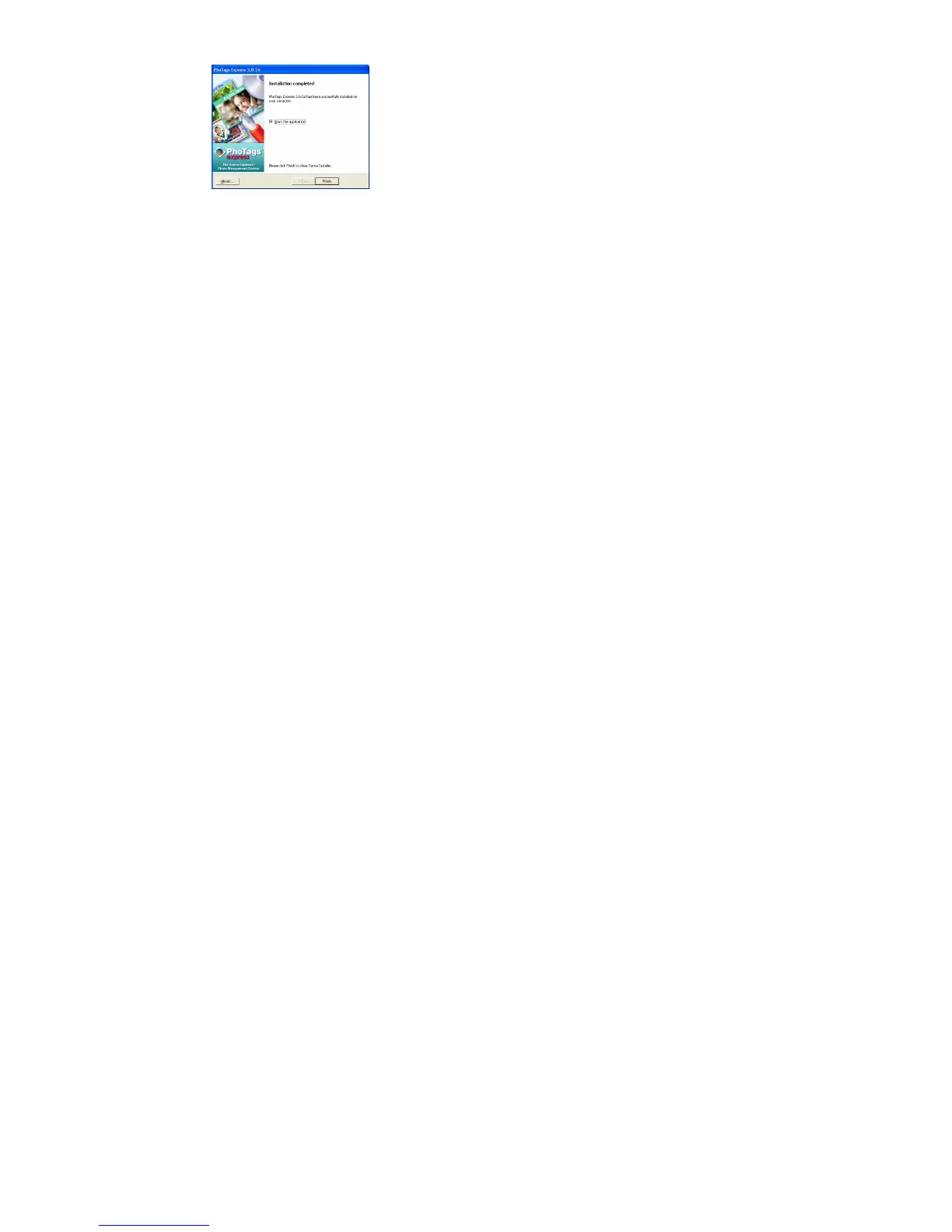
Click “Finish” to let the “PhoTags Express” installer finish
the installation program.
Once the program has finished installing please restart your computer.
Congratulations!! You have successfully installed the “PhoTags Express” software.



 To Next Page