11
Chapter 5 Operation Panel
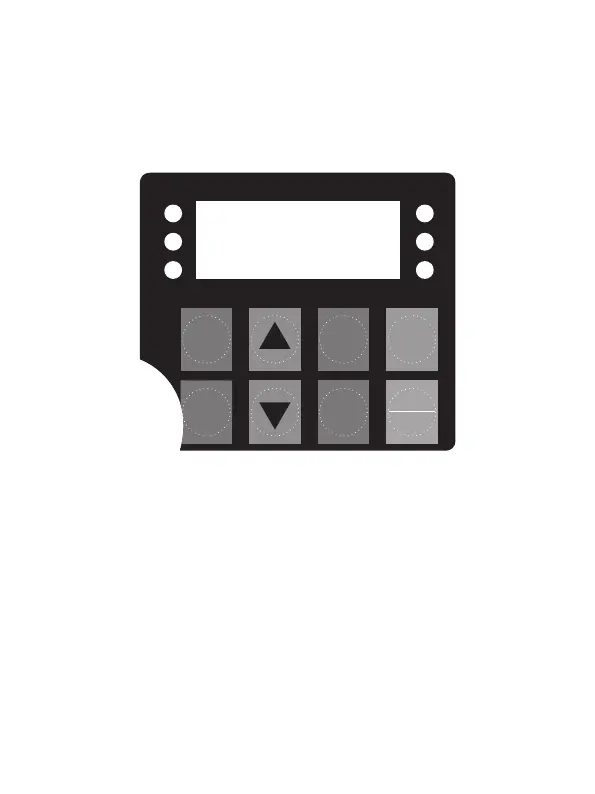
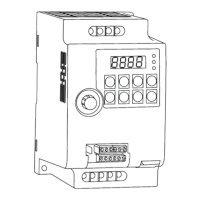
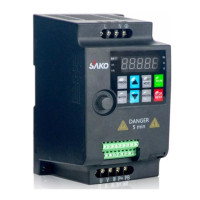
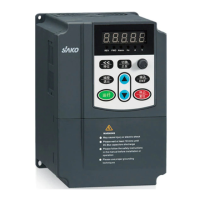
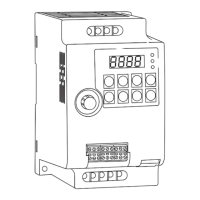
5.1 Appearance Diagram
5.2 Description of Indicators
◇ RUN: ON indicates that the AC drive is in the running state, and OFF indicates that
the AC drive is in the stop state.
◇ LOC: It indicates whether the AC drive is operated by means of operation panel,
terminals or communication.
◇ F/R: ON indicates reverse rotation.
◇ Hz、A、V: Unit Indicators. It indicates the temporary display unit, which has the
following units:
Hz: unit of frequency A: unit of current V: unit of voltage
Hz + A: unit of rotational speed A + V: % percentage
RUN
SHIFT
PROG
M-FUN
ENTER
<<
STOP
REST
RUN
Hz
A
V
LOC
F/R


 To Next Page