13
Chapter 6 Function Code Table
6.1 Brief introduction of function code
If PP-00 is set to a non-zero number, parameter protection is enabled. You must enter
the correct user password to enter the menu. To cancel the password protection
function, enter with password and set FP-00 to 0.
Group P and Group A are standard function parameters. Group U is the monitoring
function parameters.
The symbols in the function code table are described as follows:
“ ☆”: The parameter can be modied when the AC drive is in either stop or running
state;
“★”: The parameter cannot be modied when the AC drive is in the running state;
“●”: The parameter is the actually measured value and cannot be modied;
“ * ”: The parameter is factory parameter and can be set only by the manufacturer.
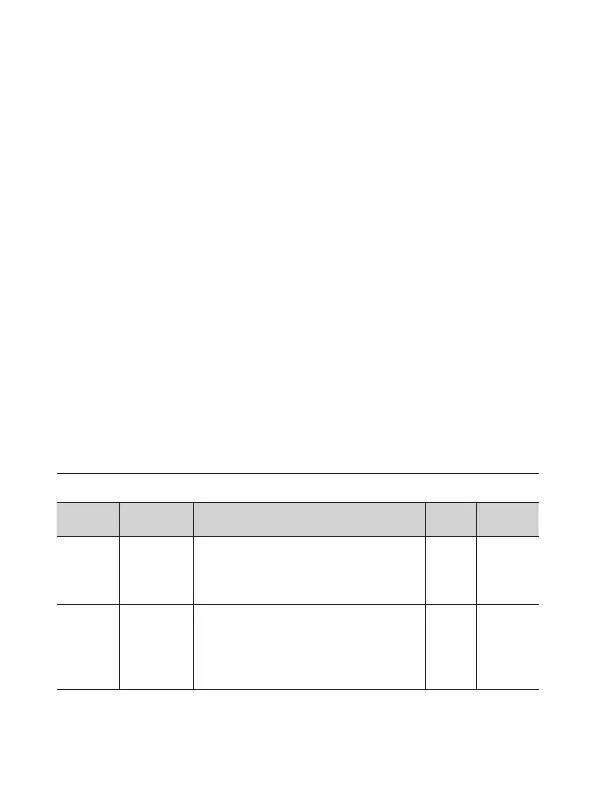
P0 Standard Function Parameters
Function
Code
Parameter
Name
Setting Range Default Property
P0-01
Motor
control
mode
0: Sensorless ux vector control (SFVC)
2: V/F contro
2 ★
P0-02
Command
source
selection
0: Operation panel control (LED o)
1: Terminal control (LED on)
2: Communication control (LED
blinking)
0 ☆
Table 6-1 Standard Function Parameters


 To Next Page