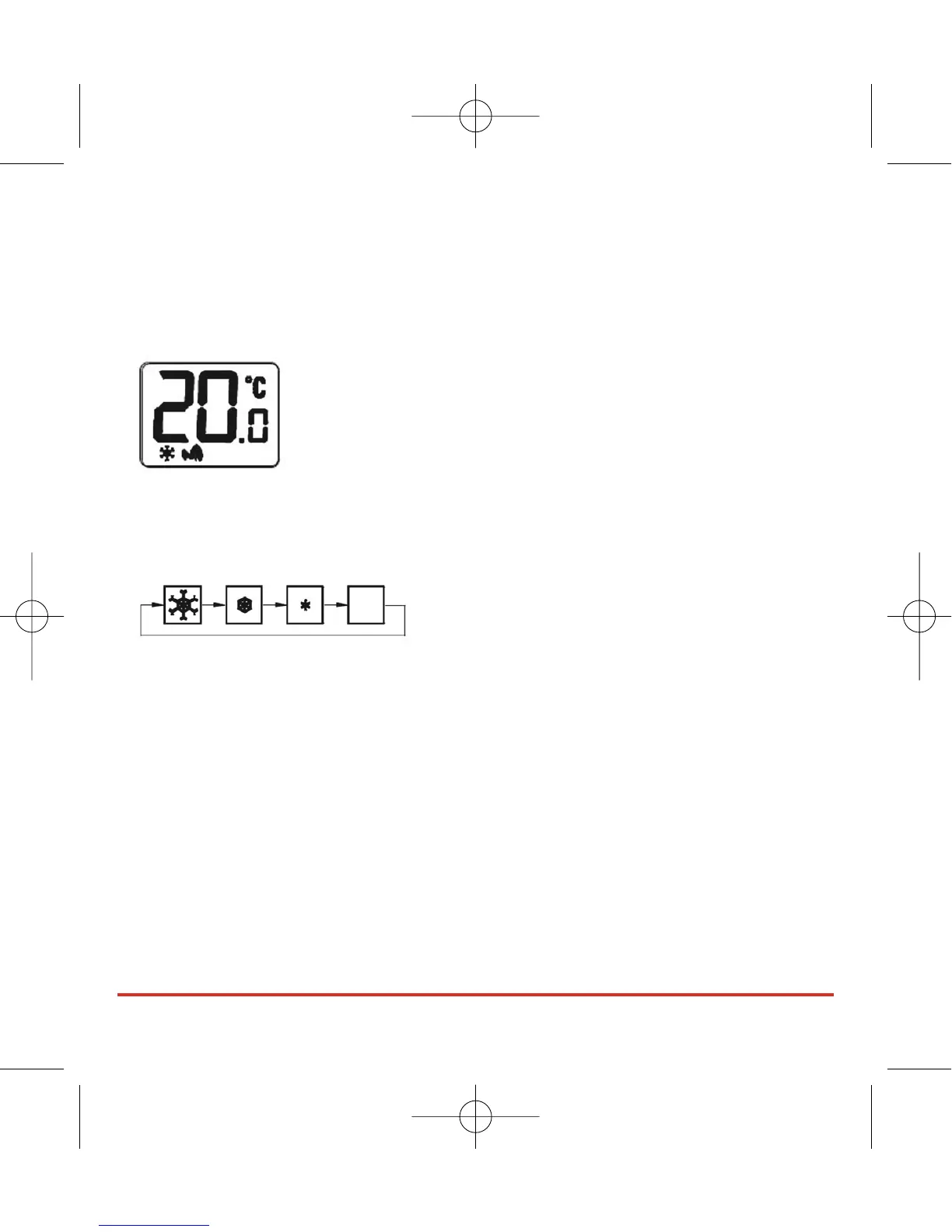
FROST PROTECTION
To enable the Frost Protection mode, press and hold the BACKLIGHT / FROST button
for three seconds. Once Frost Protection is enabled, the set point temperature is
automatically set to 5°C to provide protection from the risk of freezing.
Whenever Frost Protection is activated, the Frost Protection indicator will flash in the
sequence shown below:
To turn off Frost Protection mode, press and hold the BACKLIGHT / FROST button for
three seconds.
Please be aware that the Frost Protection mode operates as an additional protection
feature but should not be used in place of a correctly installed frost thermostat, which
is required to override all other controls in the system.
The backlight will remain illuminated for approximately 5 seconds.
RT300 INSTRUCTION MANUAL
10



 To Next Page