USER INTERFACE
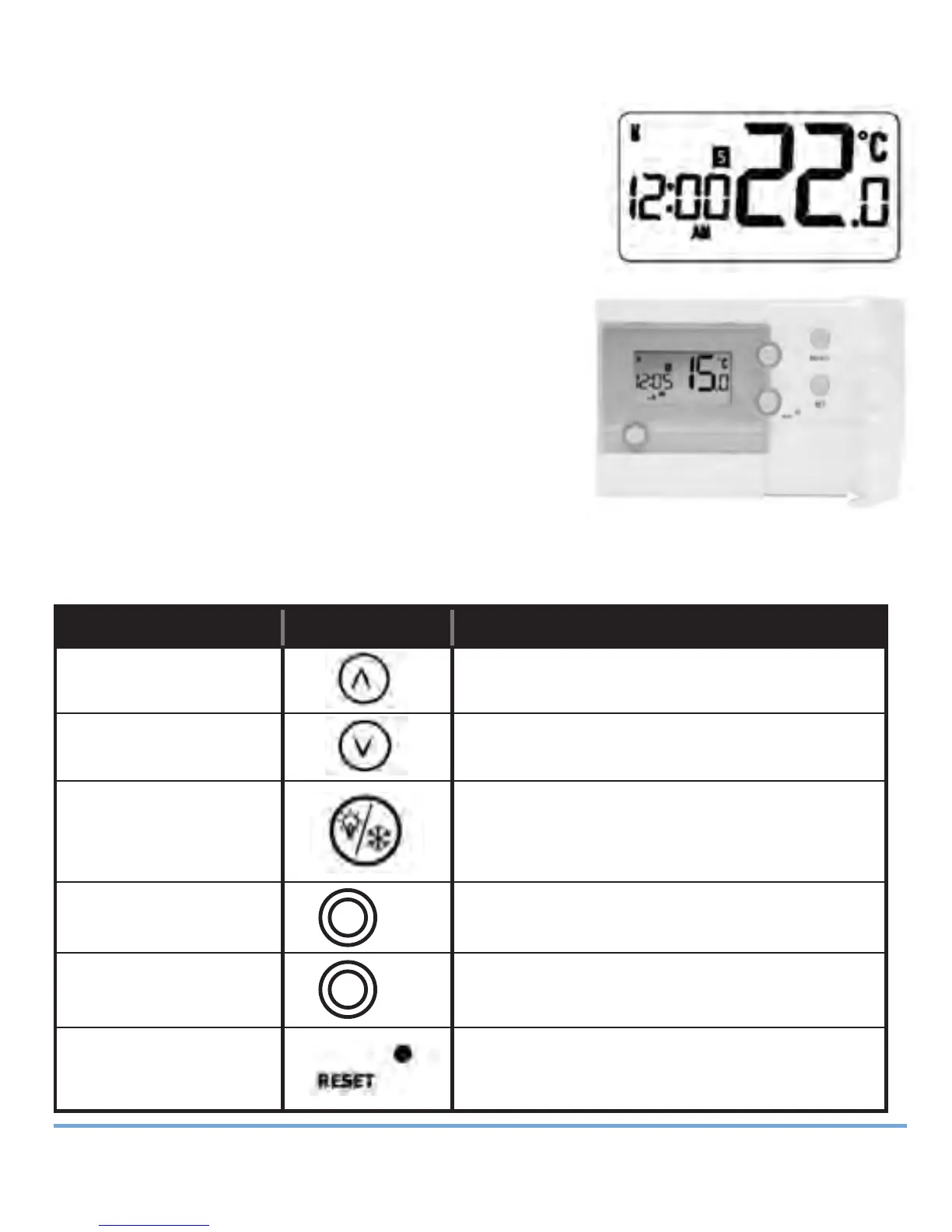
The status and operation of the RT500 is clearly
shown on the display.
This display allows the user to see at a glance the
current status of the heating system, the current
time and day of the week, as well as a clear
indication of the current room temperature.
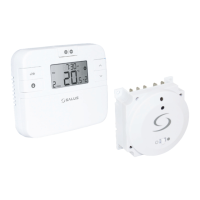
There are few user controls for the RT500,
making the programmable thermostat very easy
to operate. These controls are shown below,
along with a description of each of their
functions.
USER CONTROL FUNCTION
SUMMARY
Key / Operation Symbol Functions
UP key Increases the selected setting
DOWN key Decreases the selected setting
BACKLIGHT / Manually turns on the LCD backlight
FROST key for 5 seconds, or activates /
deactivates Frost Protection
SELECT key Selects a clock or programme setting
and enters learning mode
SET key Sets a clock or programme setting
RESET button Resets the programmable thermostat
to default (original factory) settings
RT500BC INSTRUCTION MANUAL
14
SELECT
SET
Salus RT500BC Boiler Control 026_89 21/01/2012 18:18 Page 14


 To Next Page