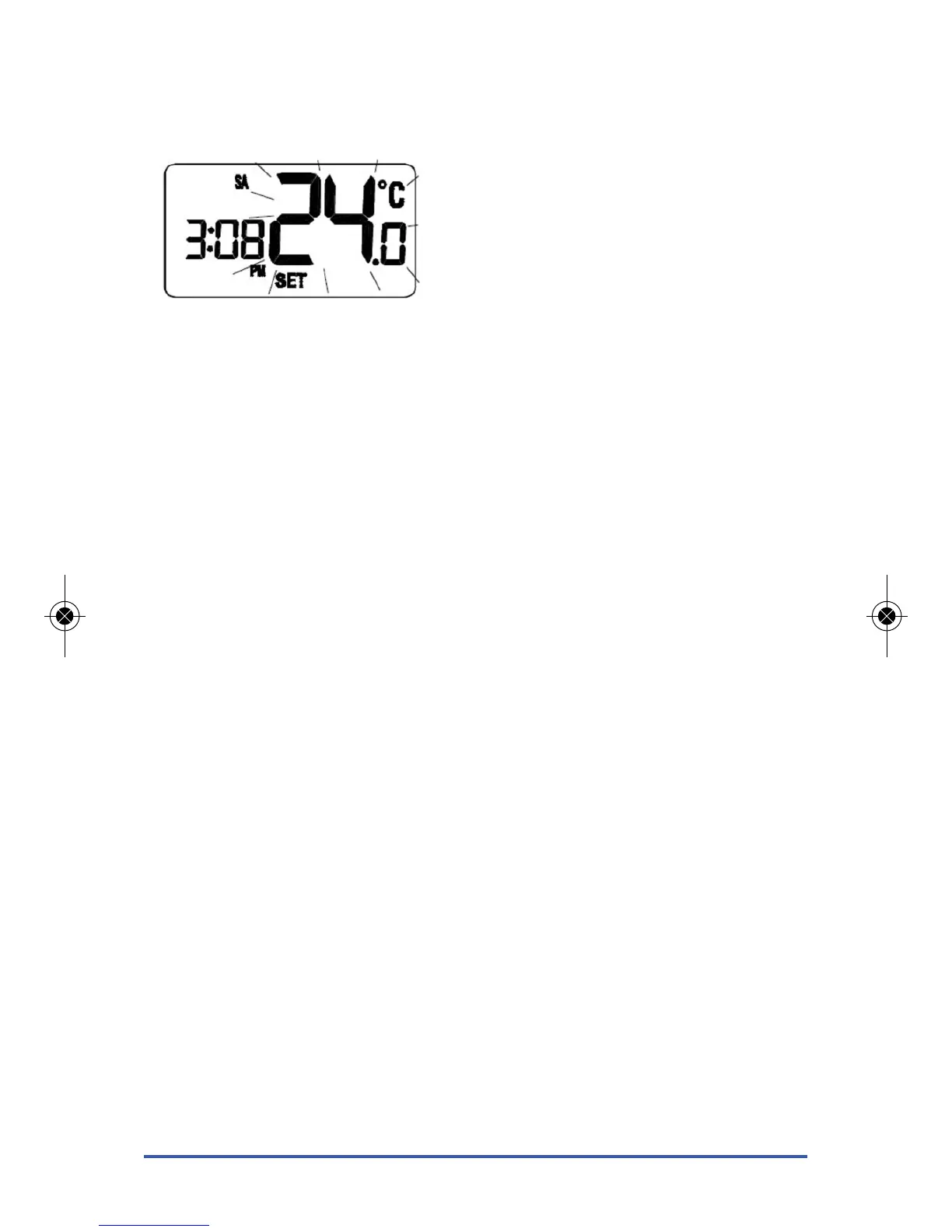
Once in Temporary Override mode, the clock and day are displayed,
along with the SET indicator; all other indicators are cleared from the
display. The set point temperature will flash to indicate that it can be
changed:
Pressing the UP or DOWN key will increase or decrease the set point
temperature in 0.5 °C steps - the set point temperature can be adjusted
within a set range or 10 °C to 35 °C.
You can press SET at any time to confirm the new Temporary Override
setting and return to Normal mode, or press no keys at all and wait
approximately four seconds.
Temporary Override mode remains active until the clock or programme
settings are adjusted, Frost Protection is activated or the next programme
time / temperature set point is reached.
RT505TX INSTRUCTION MANUAL
12



 To Next Page