7. System Menu
Configuration
8. Sound Test Display
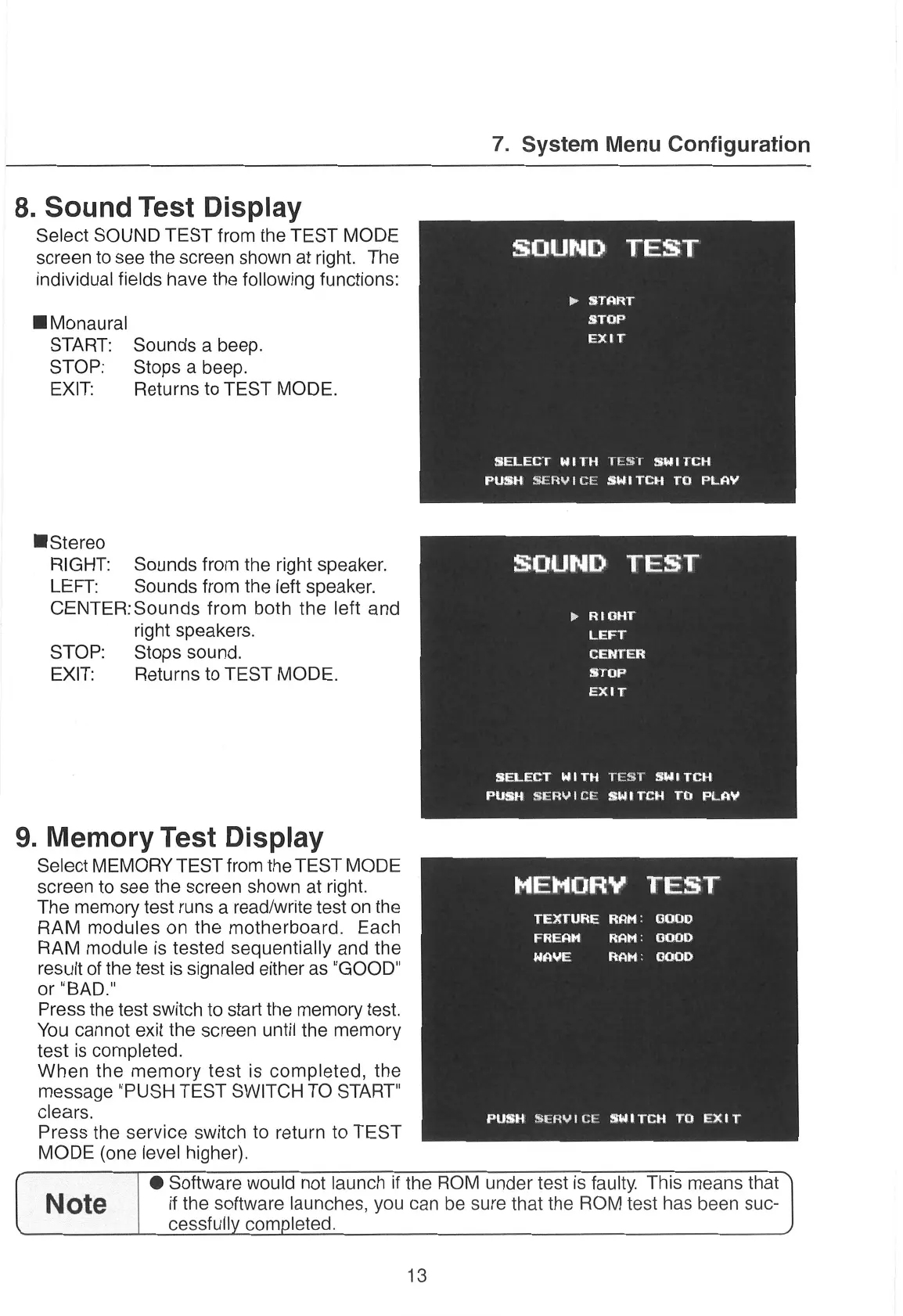
Select SOUND TEST
from the TEST MODE
screen
to
see
the
screen
shown at right. The
individual fields have the following functions:
@ Monaural
START: Sounds
a
beep.
STOP: Stops
a
beep.
EXIT: Returns to TEST MODE.
@ Stereo
RIGHT: Sounds from the right speaker.
LEFT; Sounds from the left speaker.
CENTER:Sounds from both the left and
right speakers.
STOP: Stops sound.
EXIT: Returns to TEST MODE.
9. Memory Test Display
Select MEMORY
TEST from the TEST MODE
screen
to
see
the
screen
shown at right.
The memory test
runs
a
read/write test
on
the
RAM
modules
on
the motherboard.
Each
RAM module is tested sequentially and the
result of the test is signaled either
as
"GOOD"
or
"BAD."
Press the test switch to start the memory
test.
You cannot exit the
screen
until the memory
test is completed.
When the memory
test
is completed, the
message "PUSH TEST SWITCH TO START"
clears.
Press the service switch to return to TEST
MODE (one level higher).
SOUND
TEST
>»
START
STOP
EXIT
SELECT
WITH
TEST
SWITCH
PUSH
SERVICE
SWITCH
TO
PLAY
SOUND
TEST
aed
ae
LEFT
CENTER
1
EXIT
SELECT
WITH
TEST
SWITCH
PUSH
SERVICE
SWITCH
TO
PLAY
at
TEXTURE RAM: GOOD
FREAM RAM: GOOD
WAVE
RAM: GODD
PUSH
SERVICE
BWITCH
TO
EXIT
[ Note
cessfully completed.
13
@ Software
would not launch
if the ROM under test
is faulty.
This
means
that
if the software launches, you
can
be
sure
that the ROM test has been
suc-


 To Next Page