7. System Menu Configuration
12. Configuration Display
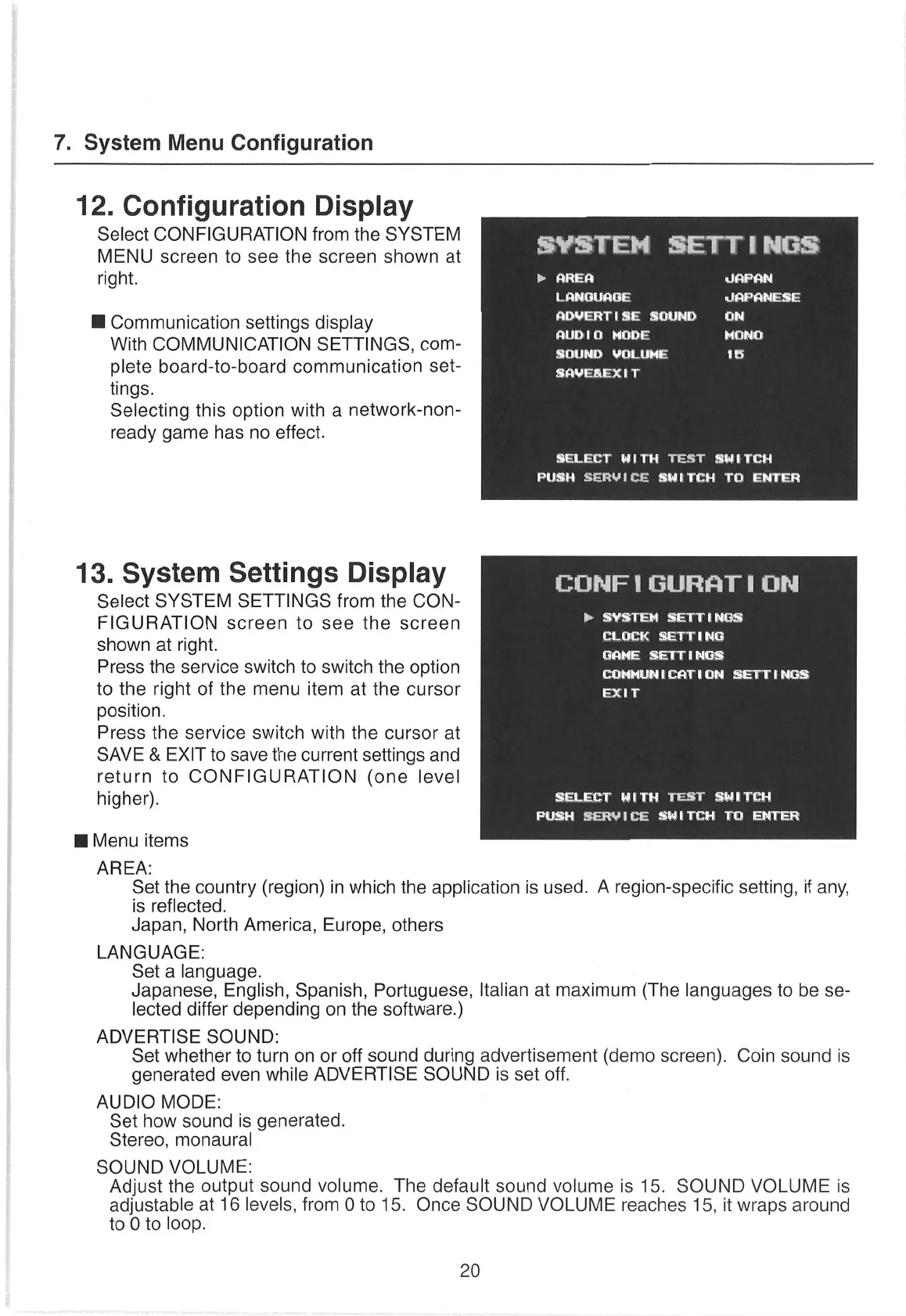
Select CONFIGURATION
from the SYSTEM
MENU
screen
to
see
the
screen
shown
at
SYSTEM
SETTINGS
right.
a
Tere
LANGUAGE JAPANESE
lH Communication
settings display
peepee Ae
Magee
peas
With COMMUNICATION
SETTINGS, com-
PEM
Gee
aa
plete board-to-board communication
set-
yt
tt
aha
tings.
Selecting this option
with
a
network-non-
ready
game has
no
effect.
SELECT
WITH
TEST
SWITCH
PUSH
SERVICE
SWITCH
TO
ENTER
13. System
Settings Display
CONFIGURATION
Select SYSTEM
SETTINGS from the CON-
FIGURATION
screen
to
see
the
screen
ifpa
gd
rl
oe
Skene
right.
5
ae
SETTINGS
Press the
service
switch to switch the option
COMMUNICATION
SETTINGS
to the right of the
menu
item
at the
cursor
ah
position.
Press the service
switch with the
cursor
at
SAVE & EXIT to
save
the current settings and
return
to CONFIGURATION (one level
higher). SELECT
WITH
TEST
SWITEH
FUSH
SERVICE
SWITCH
TO ENTER
Wi
Menu items
AREA:
Set the
country
(region) in which the application is used. A region-specific setting,
if any,
is reflected.
Japan,
North America, Europe, others
LANGUAGE:
Set
a
language.
Japanese,
English,
Spanish,
Portuguese,
Italian at maximum (The languages
to be
se-
lected differ depending
on
the software.)
ADVERTISE SOUND:
Set whether to turn
on
or
off sound during advertisement (demo screen). Coin sound is
generated
even
while ADVERTISE SOUND is set off.
AUDIO MODE:
Set how sound
is generated.
Stereo,
monaural
SOUND
VOLUME:
Adjust the output sound volume. The default sound volume is 15. SOUND VOLUME is
adjustable at 16 levels, from 0 to 15. Once SOUND VOLUME reaches 15, it wraps around
to 0 to loop.
20


 To Next Page