10
Setting Up Your dB500a System
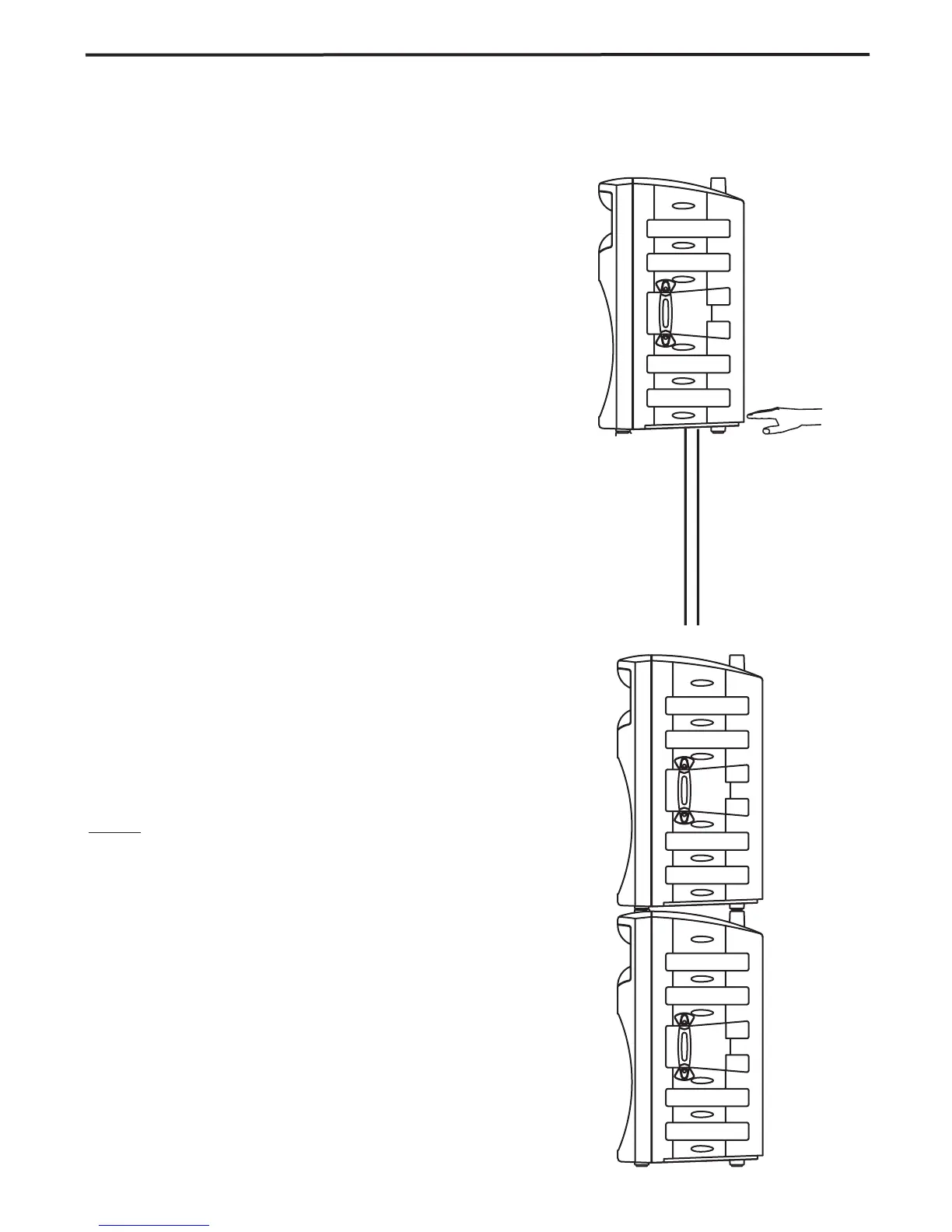
Using Speaker Stands
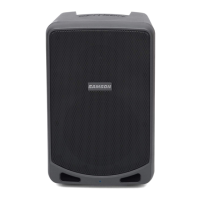
The dB500a enclosure features a standard 1 3/8”,
pole mount receptacle, which is compatible with
speaker stands from a variety of manufacturers.
Before installing the dB500a on a speaker stand,
loosen the thumbscrew located on the bottom of the
rear side of the enclosure. Once installed on the
stand, be sure to tighten the thumbscrew to hold the
speaker in place. Be careful not to over tighten the
thumbscrew to avoid stripping the threads.
Stacking the dB500a
The dB500a enclosure incorporates gender mating
stack feet and bumpers that allows you to stack one
dB500a on top of another. When stacking the
dB500a’s, be certain that the rubber feet from the
top unit are securely fastened into the bottom unit’s
stacking bumpers.
NOTE: DO NOT STACK dB500a’s OVER TWO (2)
TALL.



 To Next Page