Need help?
Do you have a question about the Samson dB300a and is the answer not in the manual?
Key safety guidelines for operating the equipment.
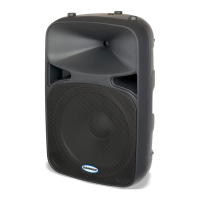
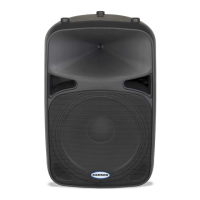
Diagram and labels for the front panel of the dB300a.
Diagram and labels for the rear panel of the dB300a.
Step-by-step guide for connecting and using a microphone.
Steps for connecting and using a line level audio source.
Tips for optimal microphone placement to prevent feedback.
Guidance on raising speakers for better sound projection.
Instructions for using the dB300a in wedge monitor positions.
Detailed explanation of input controls, EQ, and indicators.
Instructions for mounting the dB300a on a speaker stand.
Guidance for fixed installations and hanging the enclosure.
Information on using the four fly-points for suspension.
Example PA system setup for a small club or lounge.
Example PA setup for a live band with main and monitor speakers.
Details on connecting the dB300a using various connector types.
 General
| Type | Active |
|---|---|
| Configuration | 2-way |
| Input Types | XLR, TRS, RCA |
| Power Output | 300W |
| Tweeter Size | 1 inch |
| Outputs | XLR |

 To Next Page