If you want to change the basic setting of a function block, proceed as follows:
Use a pencil (or similar item) to press the changeover key. A triangle (parameter level)
starts to blink in the top left-hand corner of the display.
Press the arrow keys simultaneously; two triangles (configuration level) start to blink
and the currently active system code number is shown in the display.
Press the arrow key. Bars indicating the function blocks appear in the display.
Use the arrow keys to set the number of the function block you want to change.
Press the enter key. The function block number starts to blink.
Press the arrow key to switch the function block
ON
or
Press the arrow key to switch the function block
OFF
Press the enter key to acknowledge the setting.
Use the arrow keys to select the next function block.
Proceed as described above to switch a function block ON or OFF.
Note:
Certain function blocks require that you set the parameters directly after you have activated
them. Observe the instructions in the function block list before setting these parameters.
Parameters that must be set start to blink with their symbol in the display.
If you want to change the default setting shown:
Use the arrow keys to set the new value.
Press the enter key to acknowledge the new value.
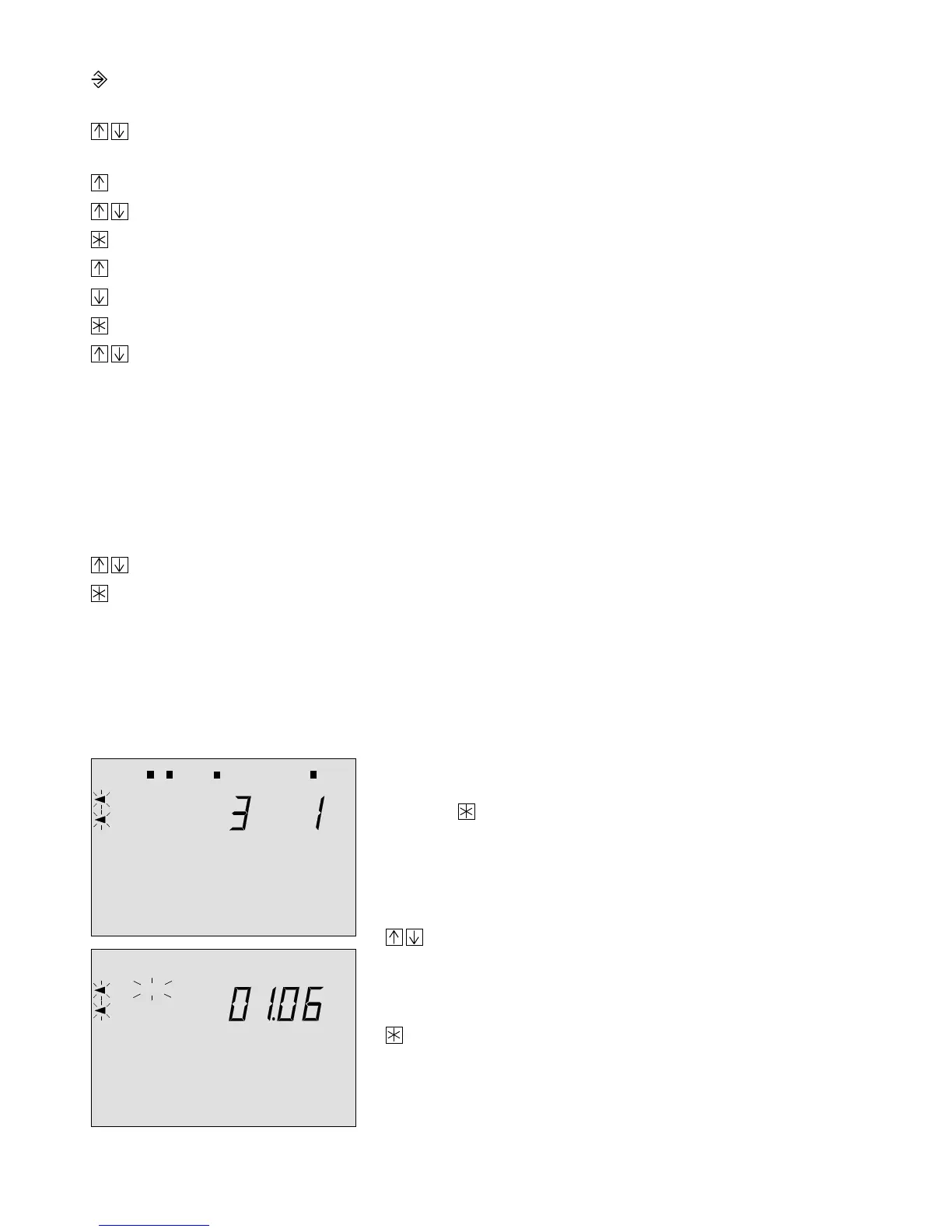
Example:
The function block setting FB 3 = ON is acknowledged
using the key (time-controlled summer time operation)
The date when the summer time operation should start
appears in the display.
Use the arrow keys if you want to change the
date,
following this or alternatively
Press the enter key to acknowledge the date.
101112 13 14151617 18191 2 3 4 5 6 7 8 9 2021 22 23240
101112 13 14151617 18191 2 3 4 5 6 7 8 9 2021 22 23240
START
40



 To Next Page