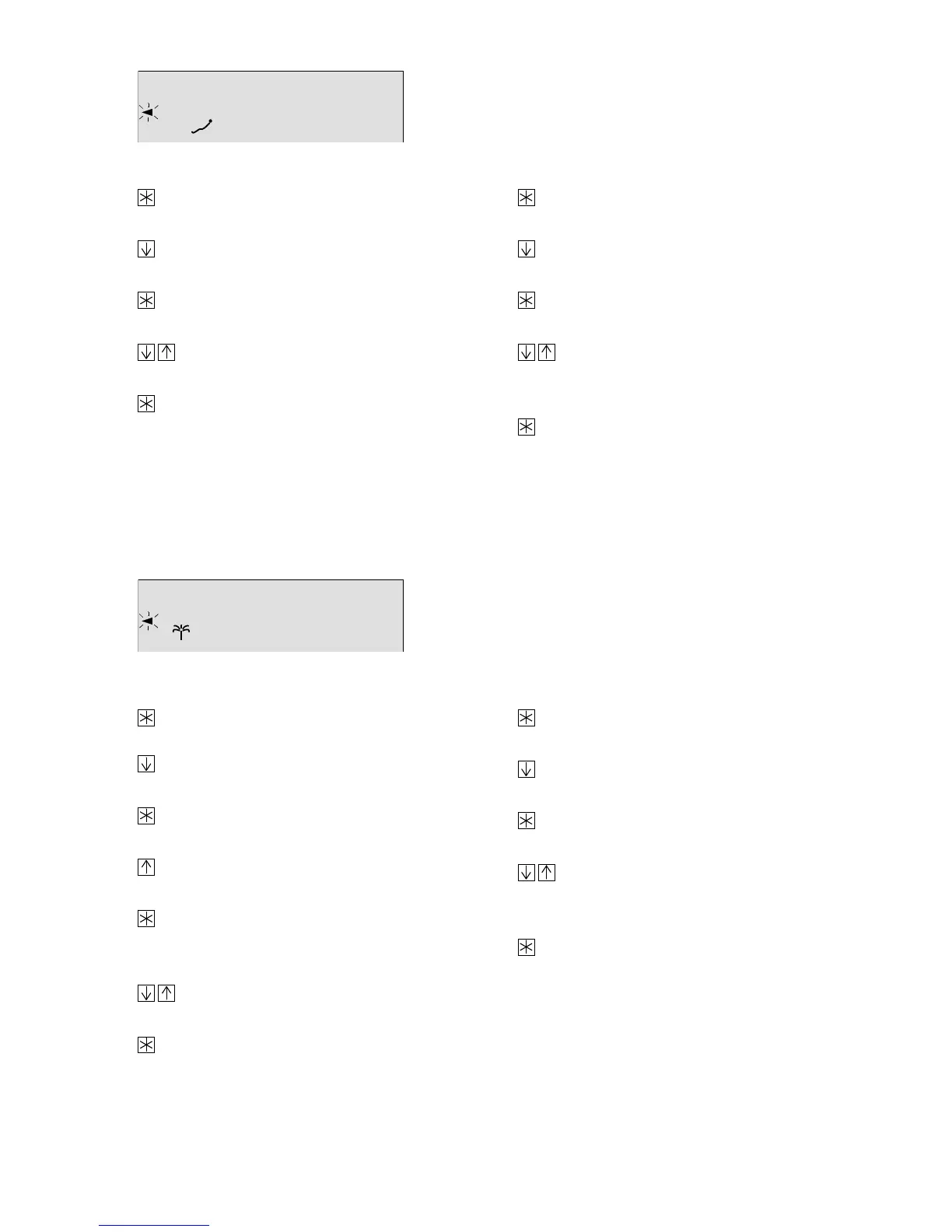
Public holidays
Vacations (max. 10 vacation periods possible)
101112131415 1617 18191 2 3 4 5 6 7 8 9 202122 23 240
Default:
101112131415 1617 18191 2 3 4 5 6 7 8 9 202122 23 240
Default:
Entering additional days:
Press the enter key, the first set
date appears in the display.
Press the arrow key until
appears.
Press the enter key, the public holiday
symbol starts to blink in the display.
Use the arrow keys to set additional
public holidays.
Press the enter key to acknowledge
the date.
Set any additional public holidays as
described above.
Deleting set days:
Press the enter key, the first set date
appears in the display.
Press the arrow key to find the public
holiday you want to delete.
Press the enter key, the public holiday
symbol starts to blink.
Use the arrow keys until
appears in the display.
(
is between 31.12 and 01.01)
Press the enter key to delete the
holiday.
Entering vacation periods:
Press the enter key, the start of the
first vacation appears in the display.
Press the arrow key until
appears.
Press the enter key, the vacation symbol
symbol starts to blink.
Press the arrow key to set the date
when the vacation should start.
Press the enter key to acknowledge
the date. The vacation symbol blinks and
STOP appears in the display.
Use the arrow keys to set the date
when the vacation should end.
Press the enter key to acknowledge
the date.
Set any additional vacations as described
above.
Deleting vacation periods:
Press the enter key, the start of the
first vacation appears in the display.
Press the arrow key to find the start
of the vacation you want to delete.
Press the enter key, the vacation
symbol starts to blink.
Use the arrow keys until
appears in the display.
(
is between 31.12 and 01.01)
Press the enter key to delete a
vacation period.
53



 To Next Page